Visualize anyidea in minutes.Win the client.
Take a sketch, a floor plan or a 3D model into a visual proposal, refine the direction and organize alternatives for your next presentation.
RF+Share
ConceptBrief:
A light-filled
residential project
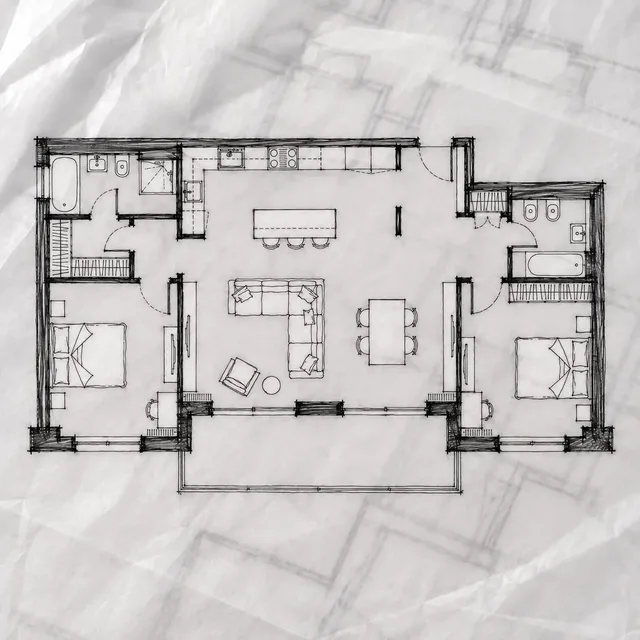 Reference
What if we tried warmer materials?
Design Concept render
 Change Material
 Edit
 Annotate
Client reviewEnhance CClientLet's compare an evening version.
RDesignerHere's another option.
G◎◉△+ More models
STUDIO VISUAL REFERENCES · DEMONSTRATION ASSETS
1connected creative workspace
30+creative tools and techniques
∞possible visual directions
One workspace. Every step of the project.
Keep the right tools close to the ideas you're exploring, from the first concept to a visual presentation and all the versions in between.
Explore visual models in one workspace.
Bring the right image, video or 3D tools into your creative process, keeping all the ideas close to the project.
Explore the modelsFrom floor plan to a 3D project
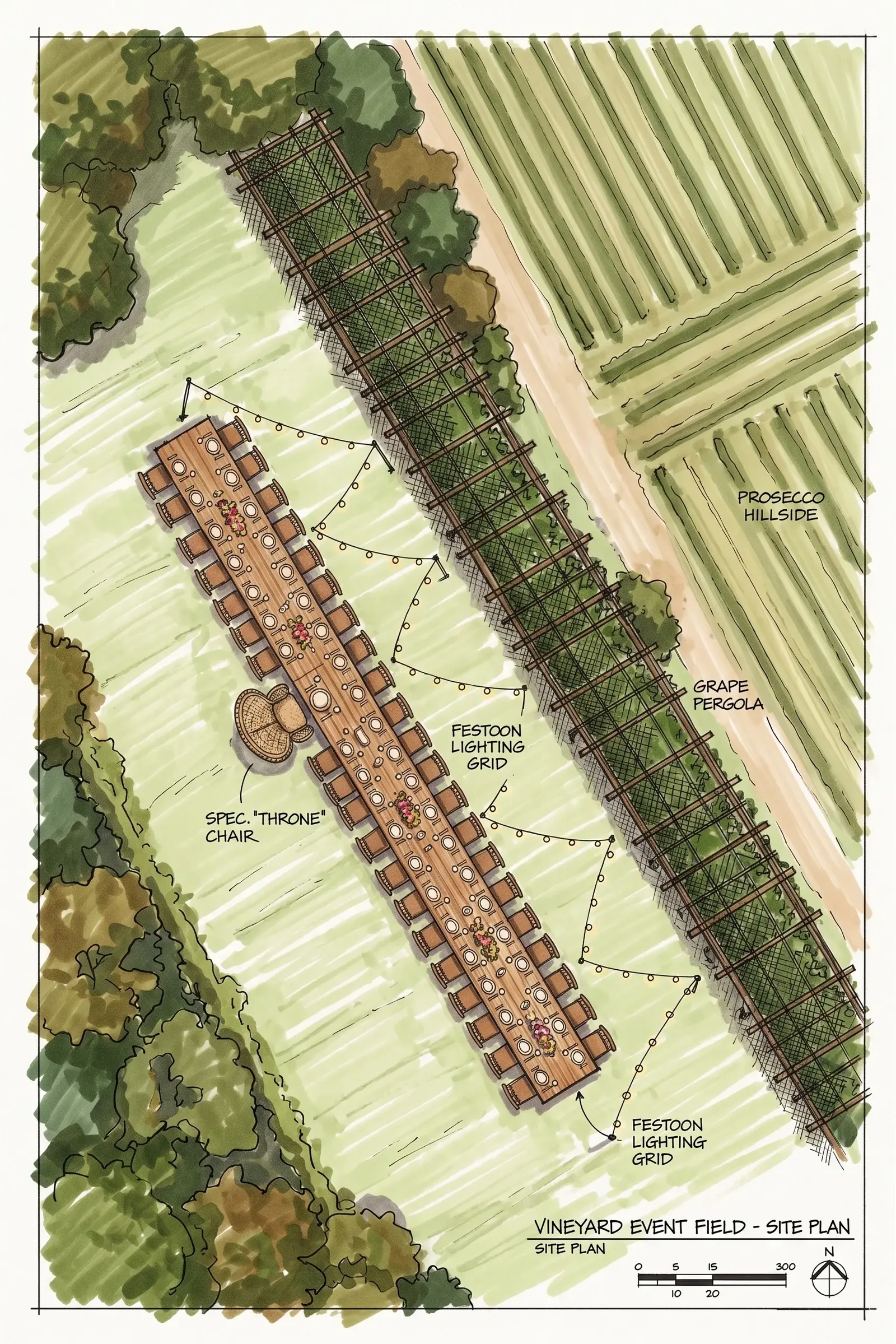
Start from a 2D plan, build a visual concept and explore the viewpoints that communicate the project.
Floor plan to 3DYour first renders in minutes
Explore an early view and produce visual alternatives worth developing further.
3D Model to RenderFix details with a sketch or a sentence
Work on a visual detail, drawing and describing the kind of change you want to explore.
Edit the imageMaterials, furniture and finishes, without rework
Try different materials and atmospheres around the same architecture, then compare the results.
Change MaterialAny light, any season, any mood
See the atmosphere of the same view change with the time of day and lighting conditions.
Lighting and weatherPresent, review and get a clearer decision
Keep images, versions and references together on a board so that decisions have visual context.
Boards★★★★★
Clear visual choices make client conversations simpler and decisions more focused.
AArchitectural studioIllustrative example · not a customer testimonial
★★★★★
Different directions can be compared before committing to the materials.
IIndependent designerIllustrative example · not a customer testimonial
★★★★★
The visual context helps a whole project team understand what is changing.
DDesign teamIllustrative example · not a customer testimonial
★★★★★
Bringing all the references together makes reviews far more productive.
AArchitecture professionalIllustrative example · not a customer testimonial
★★★★★
There is value in testing ideas and learning from each alternative along the way.
CCreative practitionerIllustrative example · not a customer testimonial
★★★★★
It is easier to communicate a proposal when the options are visible.
SStudio managerIllustrative example · not a customer testimonial
★★★★★
This kind of workflow keeps the conversation anchored in the same image.
33D artistIllustrative example · not a customer testimonial
★★★★★
Visual exploration helps us see the project from multiple perspectives.
DDesignerIllustrative example · not a customer testimonial
★★★★★
Our feedback is easier to explain with versions placed side by side.
CClient reviewIllustrative example · not a customer testimonial
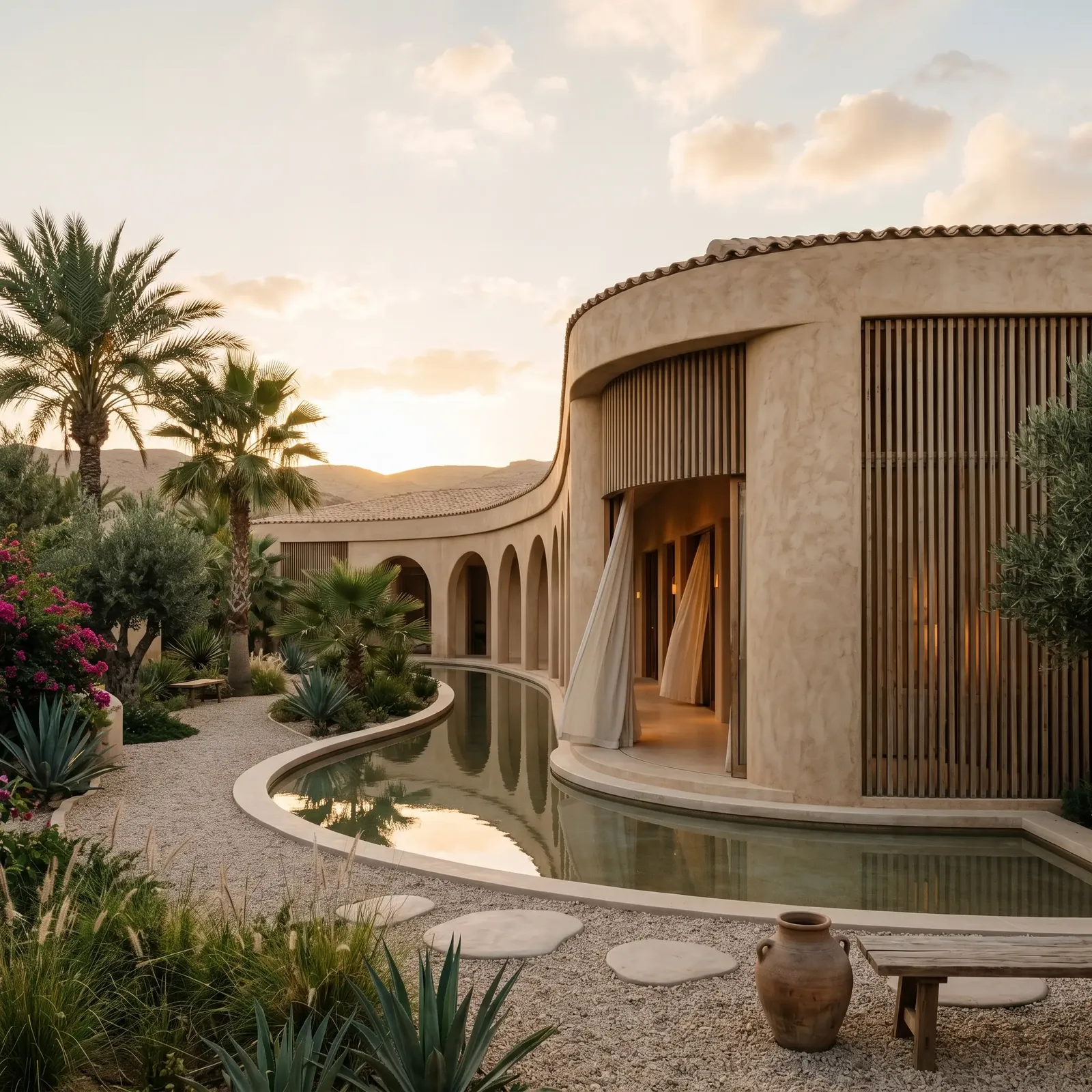 Concept 01
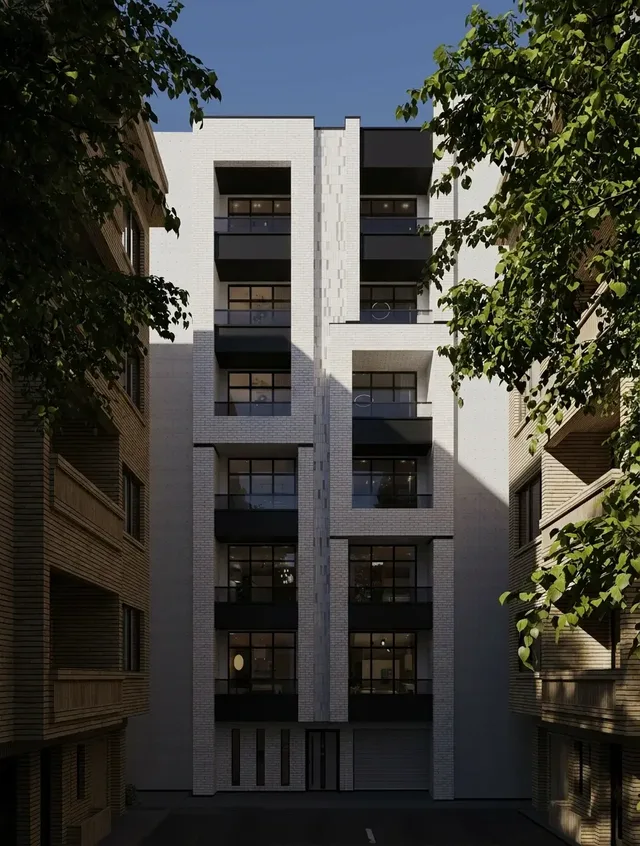 Concept 02
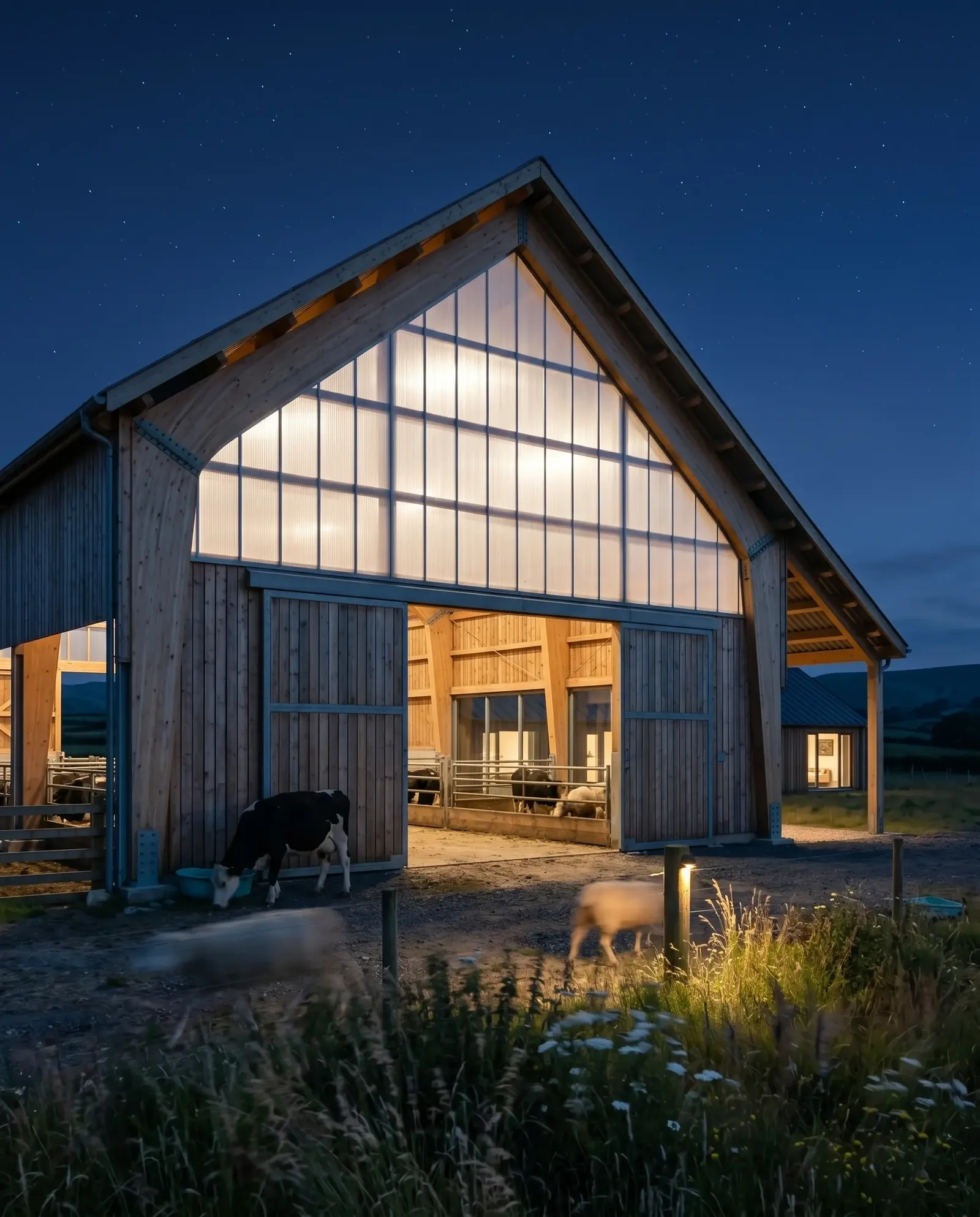 Concept 03
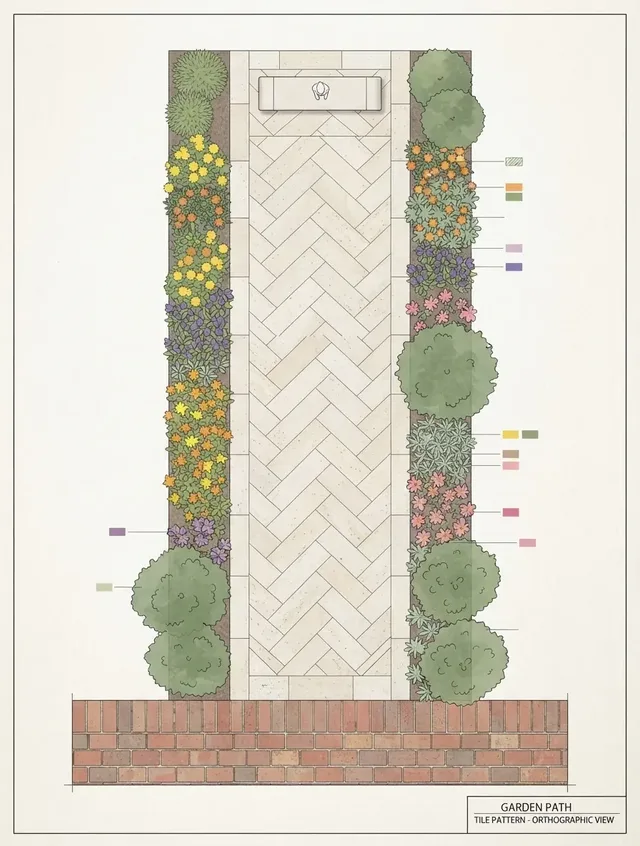 Concept 04
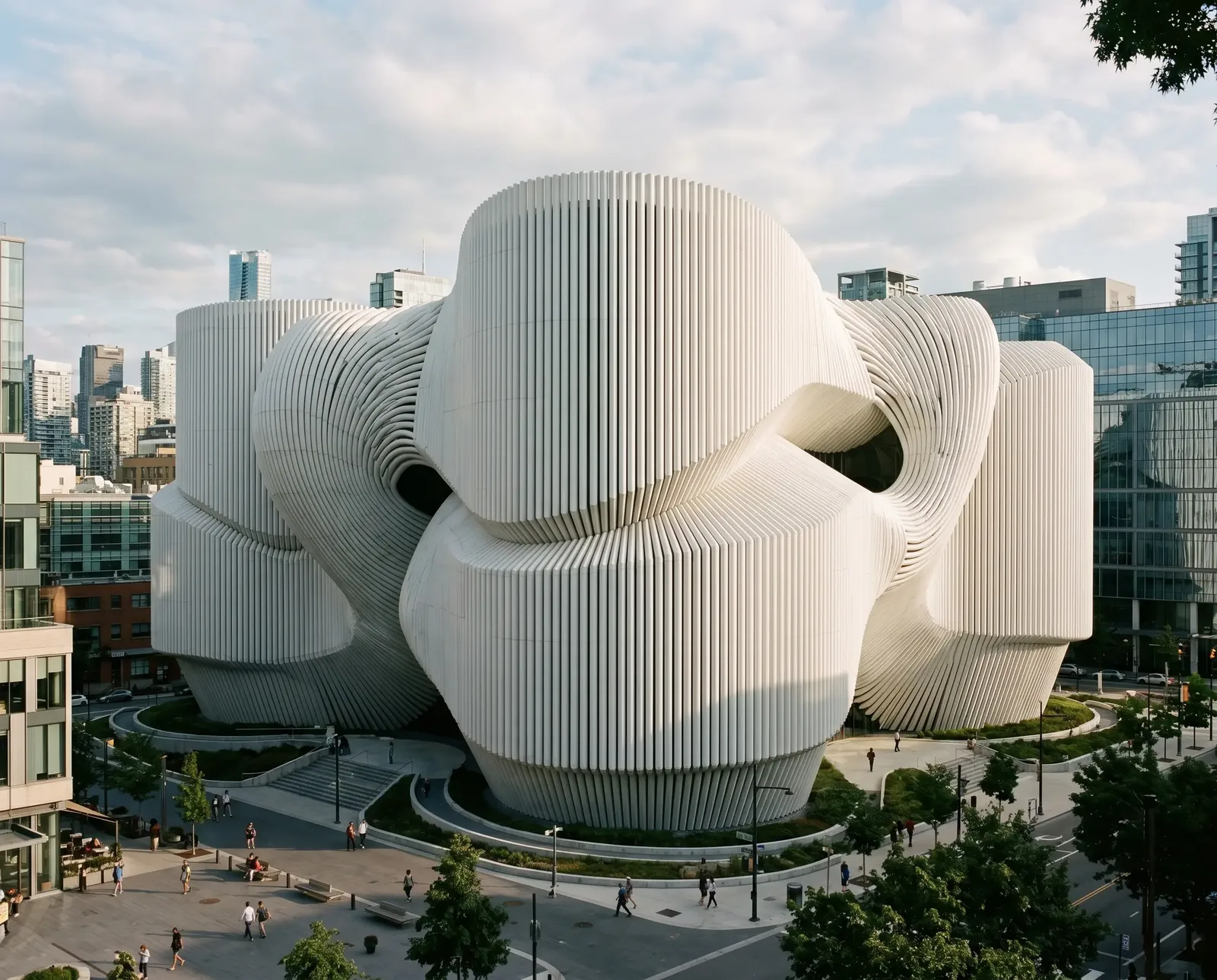
 Concept 05
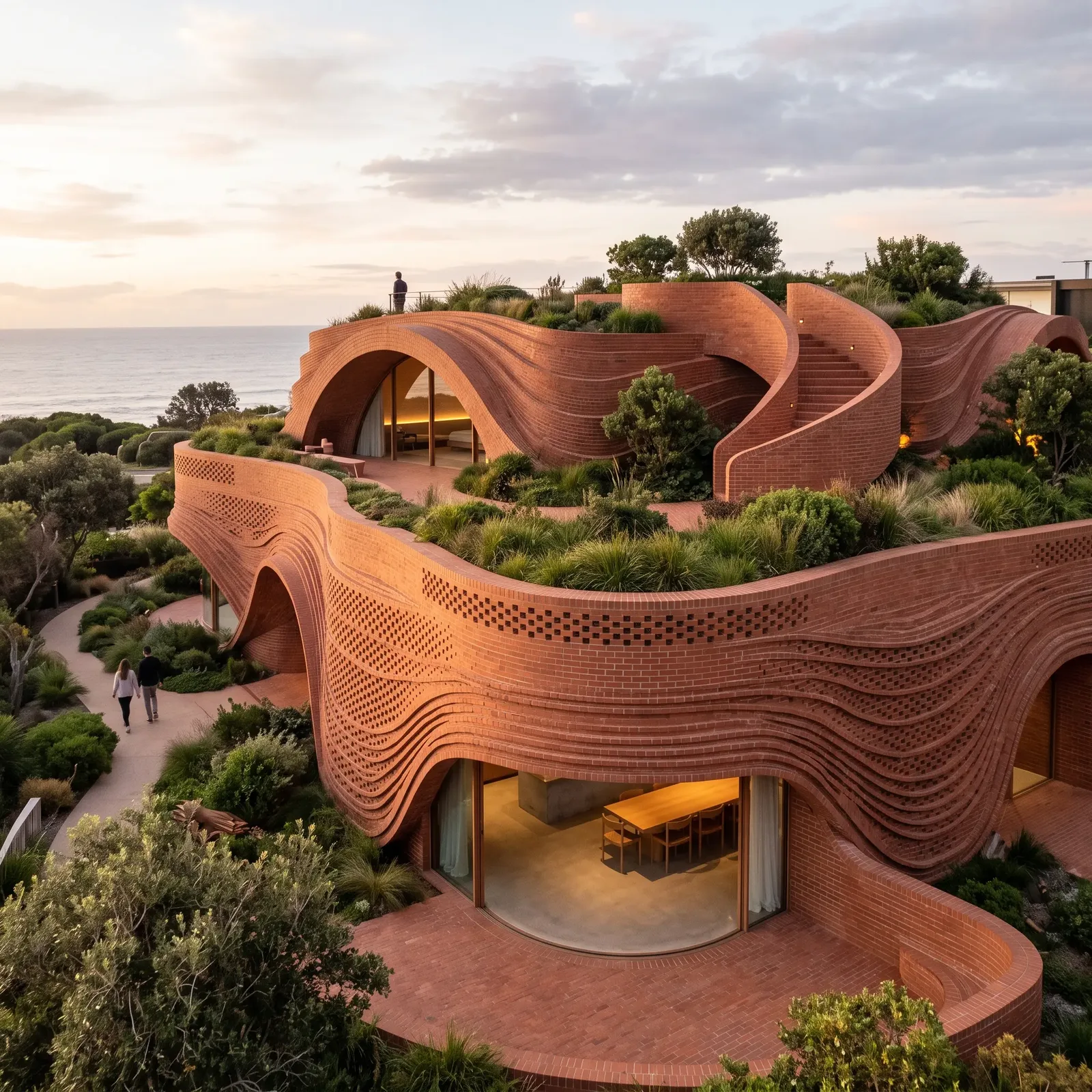
 Concept 06
 Concept 07
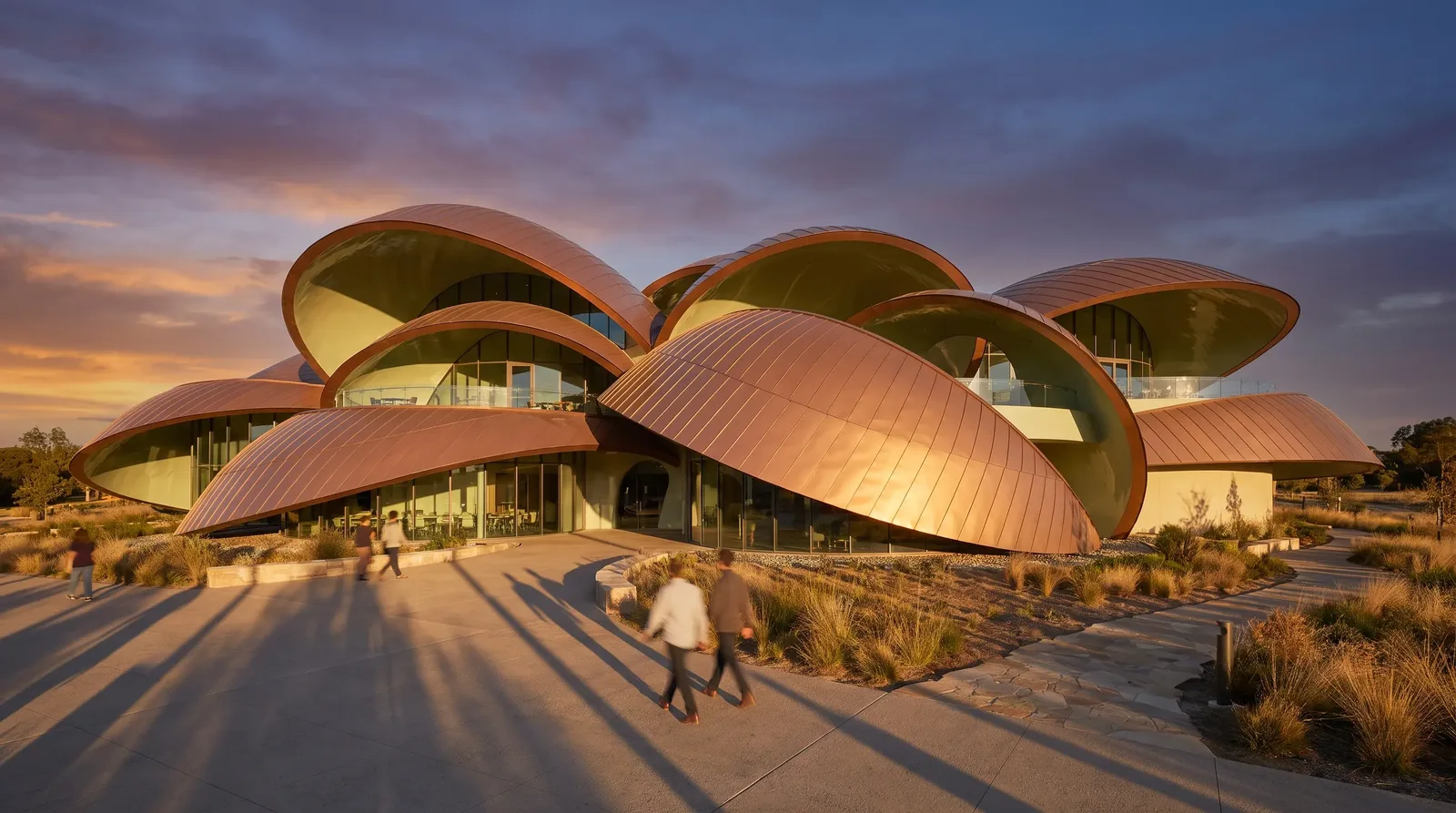
 Concept 08
START YOUR NEXT IDEASee your own project in RenderFan today.
Start exploring in a visual workspace. No installation required.
RA new way to present ideas.