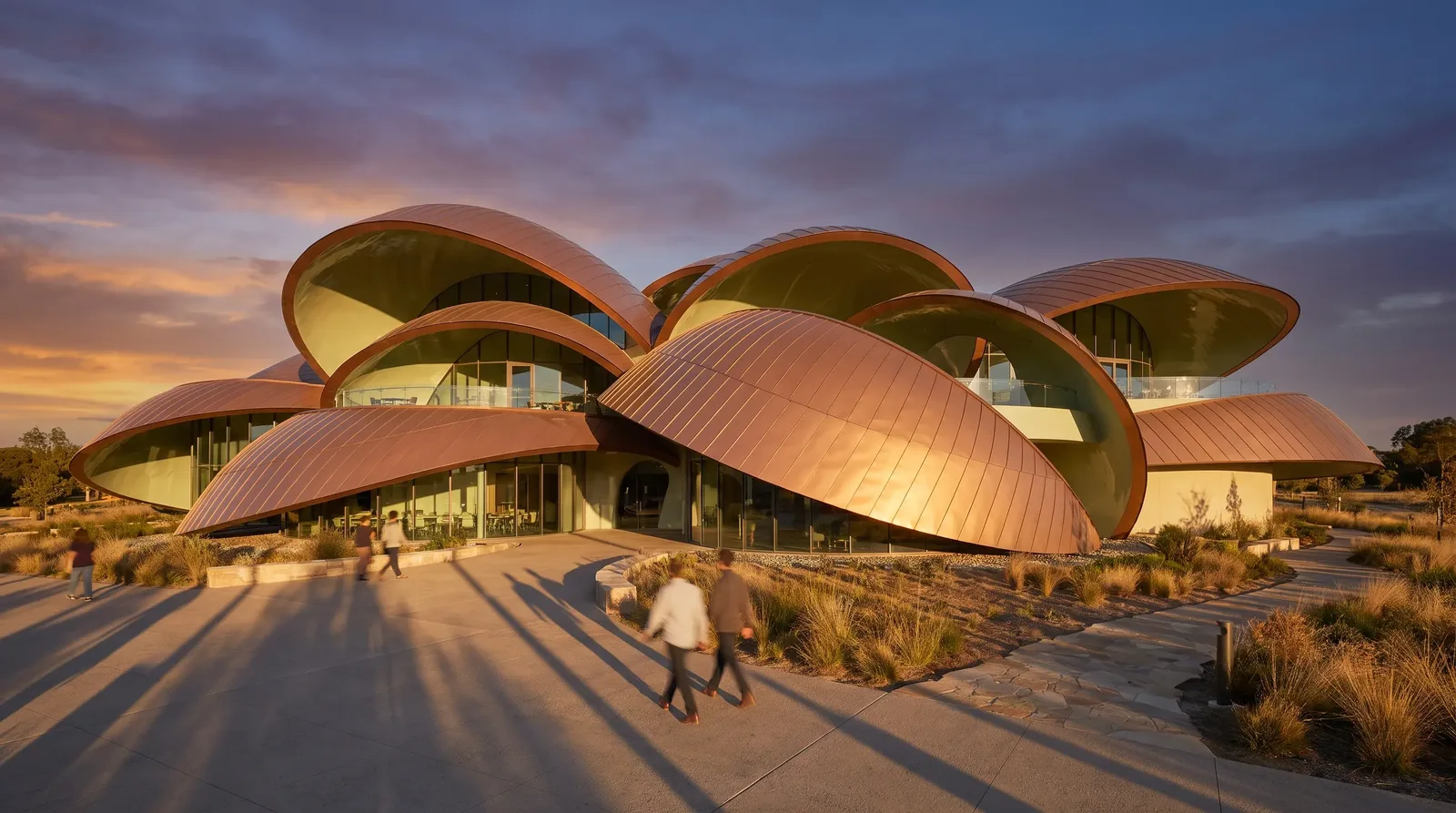
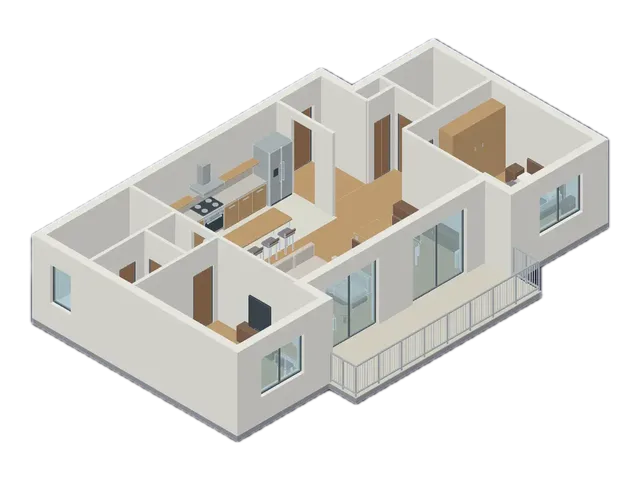
 01 / Start with your ideas
Start with your ideas
Bring the first sketches, photographs and ideas into one workspace.
Explore the workspace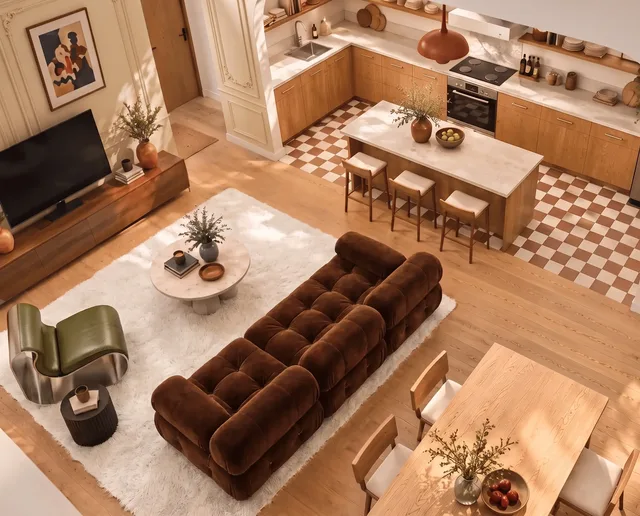
STUDIO VISUAL REFERENCES · DEMONSTRATION ASSETS







From the earliest reference to the options you want to review, keep the work visible.
01 / Start with your ideasBring the first sketches, photographs and ideas into one workspace.
Explore the workspace02 / Explore design variationsTest materials and creative directions without losing the original reference.
Explore the workspace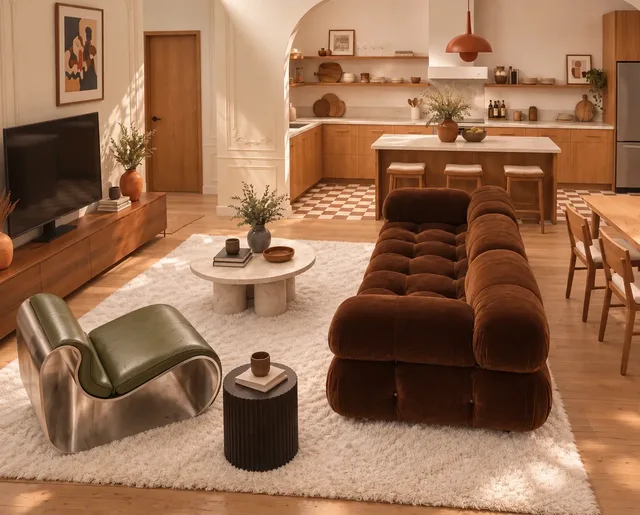 03 / Compare your favorites
Place visual alternatives alongside each other to make differences easier to discuss.
Explore the workspace 04 / Share and collaborate
Prepare a clear board for a presentation and keep the discussion connected to the work.
Explore the workspaceExamples of how clearer visual work can support a creative conversation.
Clear visual choices make client conversations simpler and decisions more focused.
Different directions can be compared before committing to the materials.
The visual context helps a whole project team understand what is changing.
Bringing all the references together makes reviews far more productive.
There is value in testing ideas and learning from each alternative along the way.
It is easier to communicate a proposal when the options are visible.
This kind of workflow keeps the conversation anchored in the same image.
Visual exploration helps us see the project from multiple perspectives.
Our feedback is easier to explain with versions placed side by side.
Keep decisions clear by collecting alternatives and their context.
Keep drawings, images and creative context close to each other.
Review the evolution of an idea in a single workspace.
Discover differences before choosing a direction.
Attach visual feedback to the right project context.
Prepare a presentation that can travel with the project.
Develop visuals for the presentations that need them.
The current developer preview stores boards locally. Shared account permissions are being developed.
The development workspace does not impose a published commercial plan limit.
Guest commenting is not available in the current preview.
The board editor adapts to different viewports; additional functional testing is ongoing.
Start exploring in a visual workspace. No installation required.