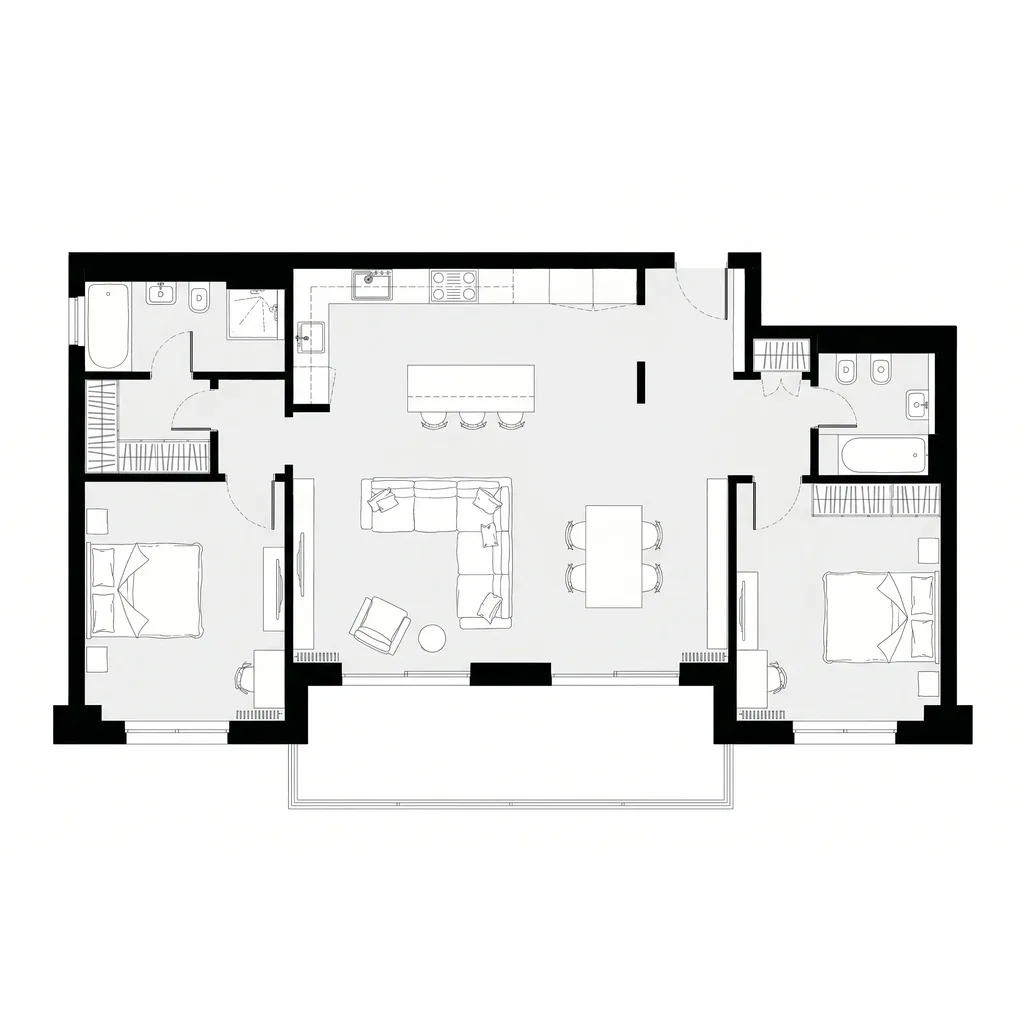
 01 / Upload
STUDIO VISUAL REFERENCES · DEMONSTRATION ASSETS







How a chat goes
Bring a reference, describe a direction and compare what changes.
01 / Upload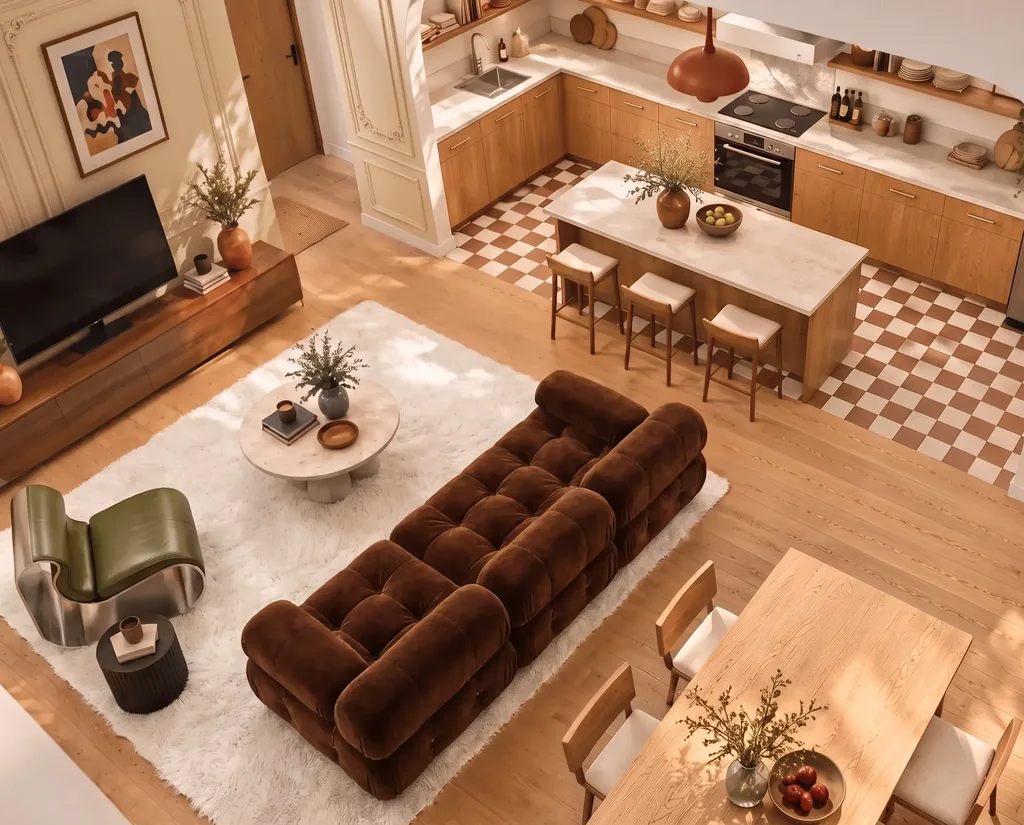 02 / Describe
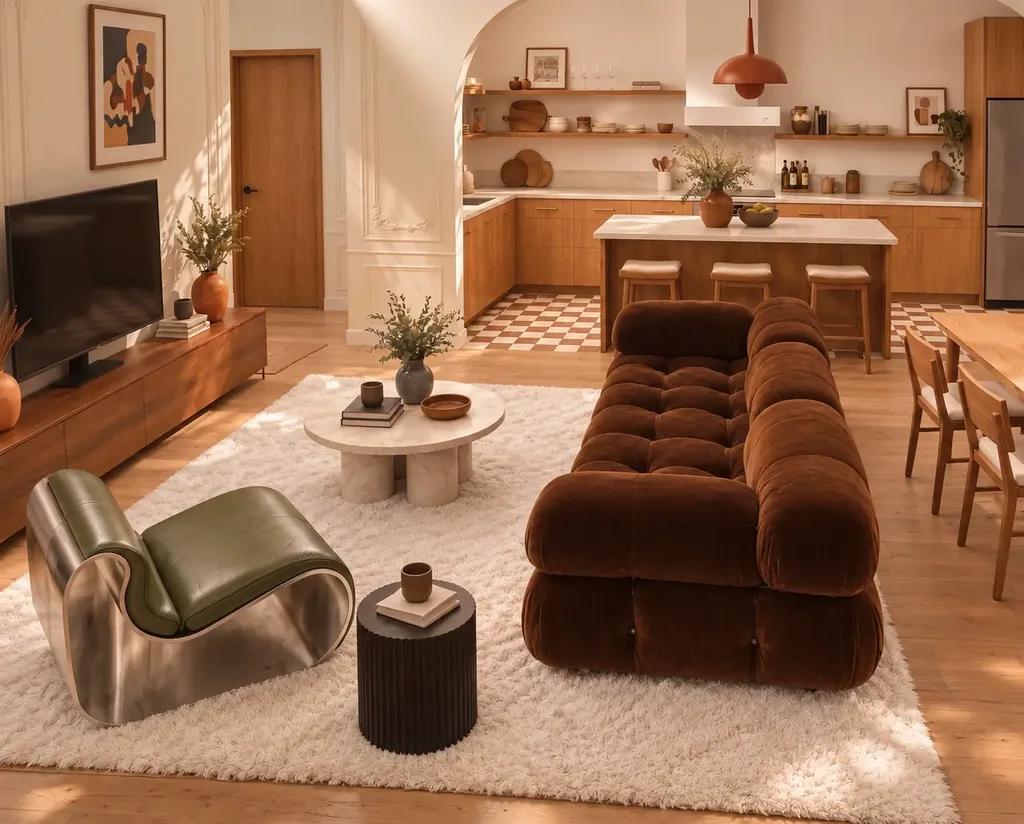 03 / Refine
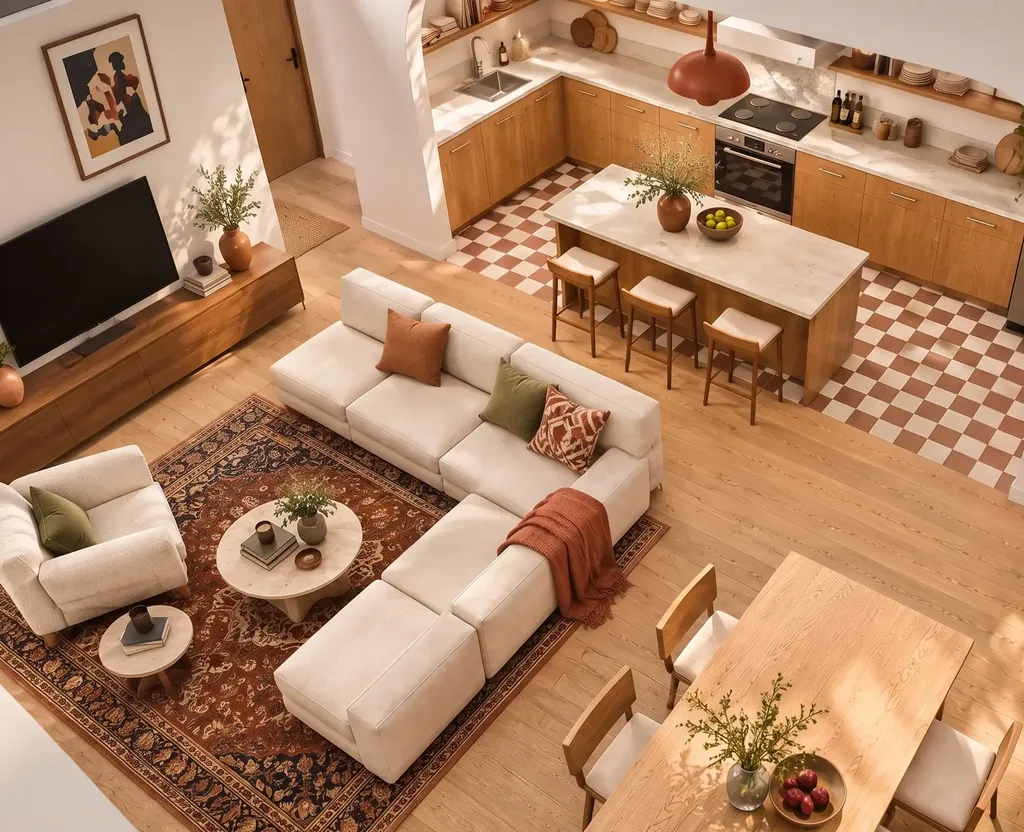 04 / Save & Share
Built for the people who present for a living.
Examples of how clearer visual work can support a creative conversation.
★★★★★
Clear visual choices make client conversations simpler and decisions more focused.
AArchitectural studioIllustrative example · not a customer testimonial
★★★★★
Different directions can be compared before committing to the materials.
IIndependent designerIllustrative example · not a customer testimonial
★★★★★
The visual context helps a whole project team understand what is changing.
DDesign teamIllustrative example · not a customer testimonial
★★★★★
Bringing all the references together makes reviews far more productive.
AArchitecture professionalIllustrative example · not a customer testimonial
★★★★★
There is value in testing ideas and learning from each alternative along the way.
CCreative practitionerIllustrative example · not a customer testimonial
★★★★★
It is easier to communicate a proposal when the options are visible.
SStudio managerIllustrative example · not a customer testimonial
★★★★★
This kind of workflow keeps the conversation anchored in the same image.
33D artistIllustrative example · not a customer testimonial
★★★★★
Visual exploration helps us see the project from multiple perspectives.
DDesignerIllustrative example · not a customer testimonial
★★★★★
Our feedback is easier to explain with versions placed side by side.
CClient reviewIllustrative example · not a customer testimonial
Bring the project into one conversation.
Describe a change and keep the visuals together as the work progresses.
Plain words in, render out
Start from natural language and creative intent.
Pick the model for the job
Explore which kind of model fits the work you want to do.
The prompt assistant
Improve how ideas are described before generating.
Attach anything
Keep project references close to the creative process.
Edits that respect the design
Focus on changes without losing the original idea.
Straight to the board
Organize the best alternatives for future review.
Before you start
Which models are in the chat?
The final provider lineup and service limits will be confirmed before release.
Does the chat keep my geometry?
Result quality and preservation depend on the model and editing workflow.
Can I use my own references?
Supported image types can be provided to the available tools.
Is my work private?
Account-level privacy and sharing require production backend configuration.
START YOUR NEXT IDEA
See your own project in RenderFan today.
Start exploring in a visual workspace. No installation required.
RA new way to present ideas.