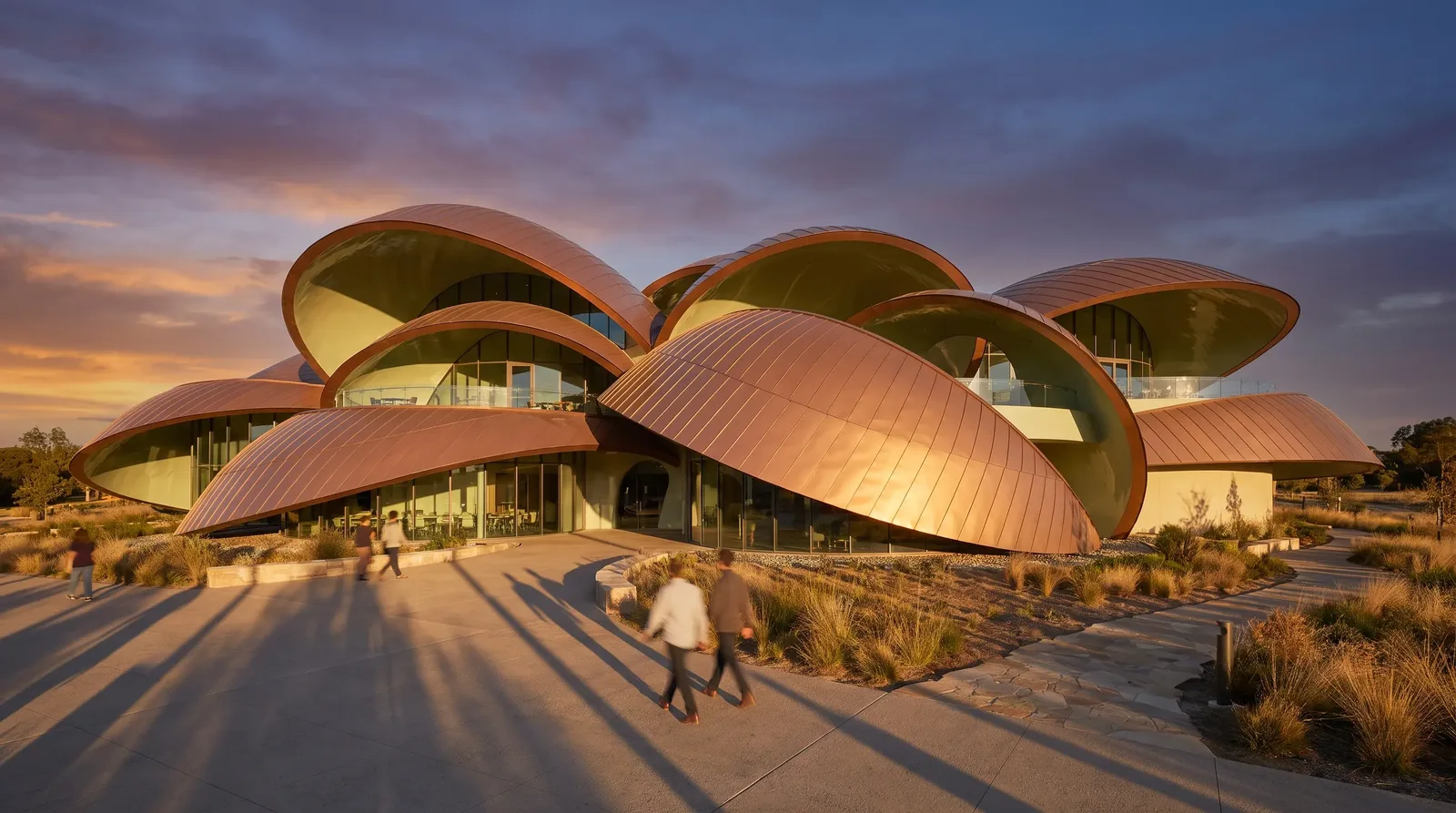
5 Ways Use AI Landscape Designer RenderFan
A step-by-step look at exploring and presenting a visual idea.
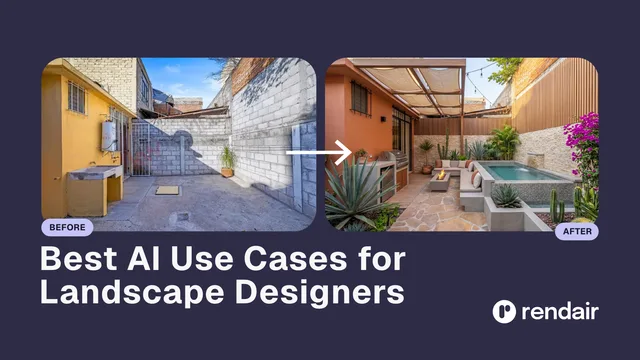
Visual design improves when references, variations and decisions remain connected. The following steps illustrate a repeatable approach to testing visual ideas.
Choose the starting image
Begin with a clear reference, whether a photograph, render, sketch or simple plan. Keep it available while exploring changes.
Describe your idea
Try a specific direction first. Comparing one change at a time makes it easier to understand the effect on the design.
Compare alternatives
Review details, materials, lighting and composition. Keep versions that communicate the best options.
Plan the presentation
Prepare a small set of references that make the next design conversation clear.
Try it yourself
Open the creative workspace and start experimenting with your own project references.
Explore AppsKeep exploring
View all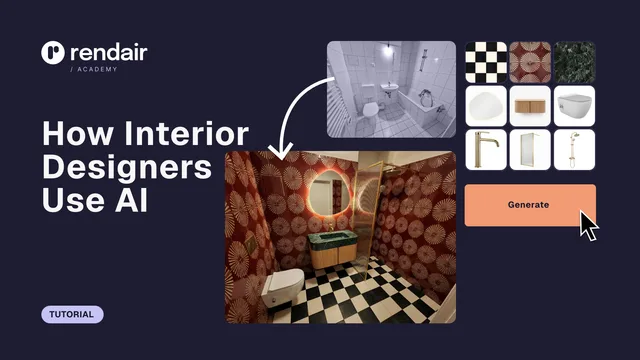 5 Ways Use AI Interior Design Rendair
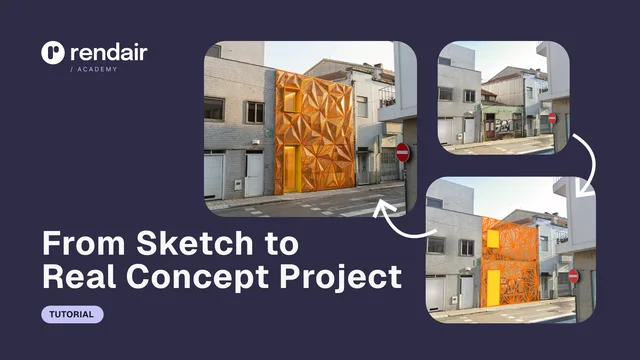 Design A Parametric Building In To A Real Site
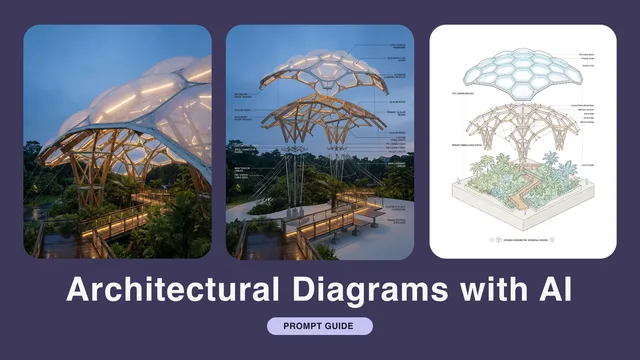 5 Prompts For Architectural Diagrams
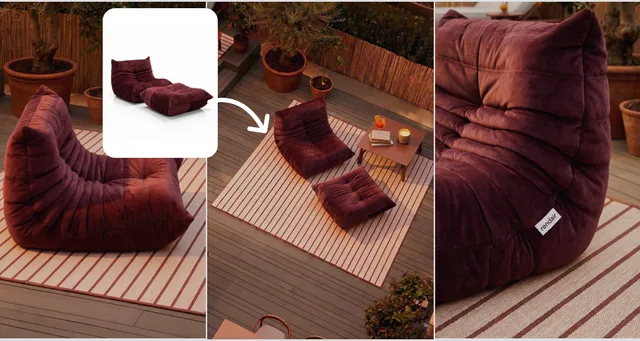 Create Lifestyle Product Photos With AI
See your own project in RenderFan today.
Start exploring in a visual workspace. No installation required.