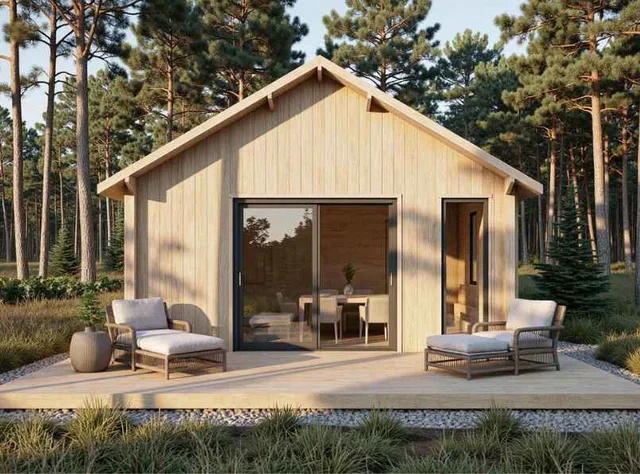
 01 / Upload
STEP 01
Describe
Start by preparing a sketch, reference image or clear description of the direction you want to explore.
Explore the AppsUse a short creative brief to explore a visual direction. Test different atmospheres and compare the resulting references.
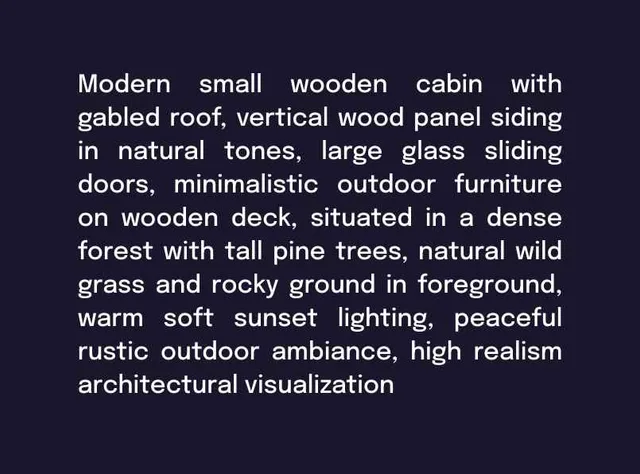 BeforeAfter
Compare before and after
STUDIO VISUAL REFERENCES · DEMONSTRATION ASSETS







Follow a visual process that makes changes easy to explore.
01 / UploadStart by preparing a sketch, reference image or clear description of the direction you want to explore.
Explore the Apps02 / GenerateUse the matching creative tool to review the options available for that kind of task.
Explore the Apps03 / DownloadKeep a version that best communicates the design direction you are exploring.
Explore the Apps04 / Ready!Use visual tools to test ideas while preserving the project context.
Explore a reference that communicates your concept.
Compare alternatives in materials, lighting and composition.
Prepare visuals that make a project easier to discuss.
Examples of how clearer visual work can support a creative conversation.
Clear visual choices make client conversations simpler and decisions more focused.
Different directions can be compared before committing to the materials.
The visual context helps a whole project team understand what is changing.
Bringing all the references together makes reviews far more productive.
There is value in testing ideas and learning from each alternative along the way.
It is easier to communicate a proposal when the options are visible.
This kind of workflow keeps the conversation anchored in the same image.
Visual exploration helps us see the project from multiple perspectives.
Our feedback is easier to explain with versions placed side by side.
A selection of reference visuals. Replace with original RenderFan projects before publication.
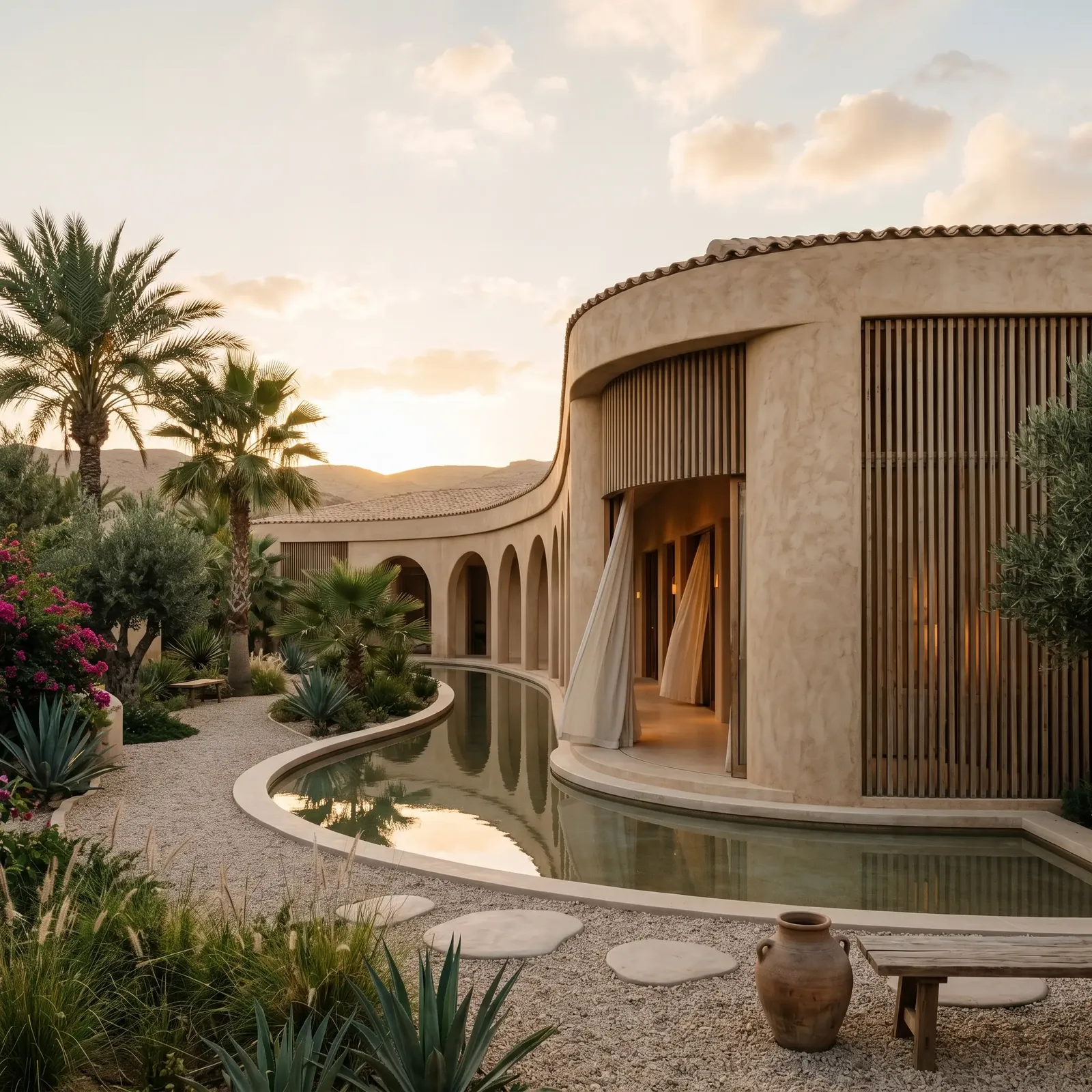 Concept 01
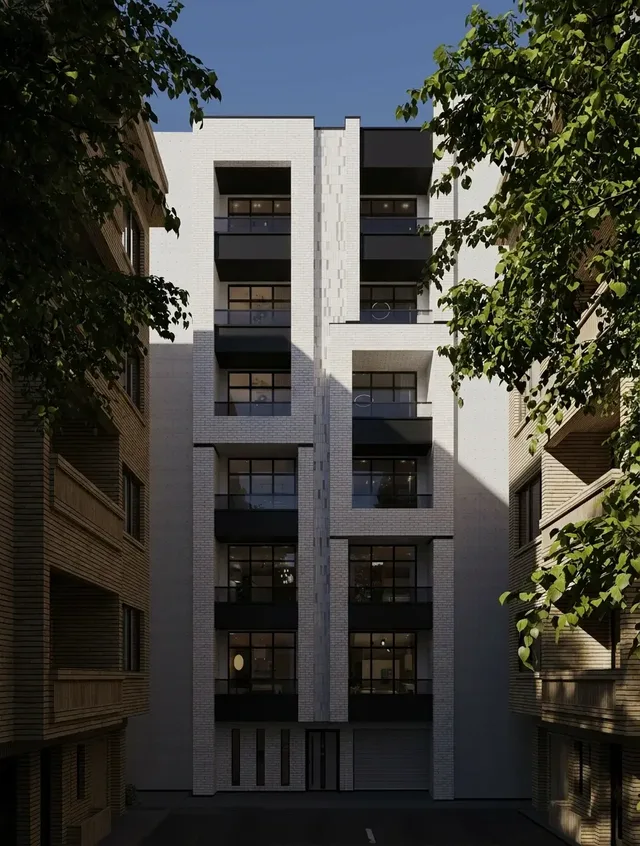 Concept 02
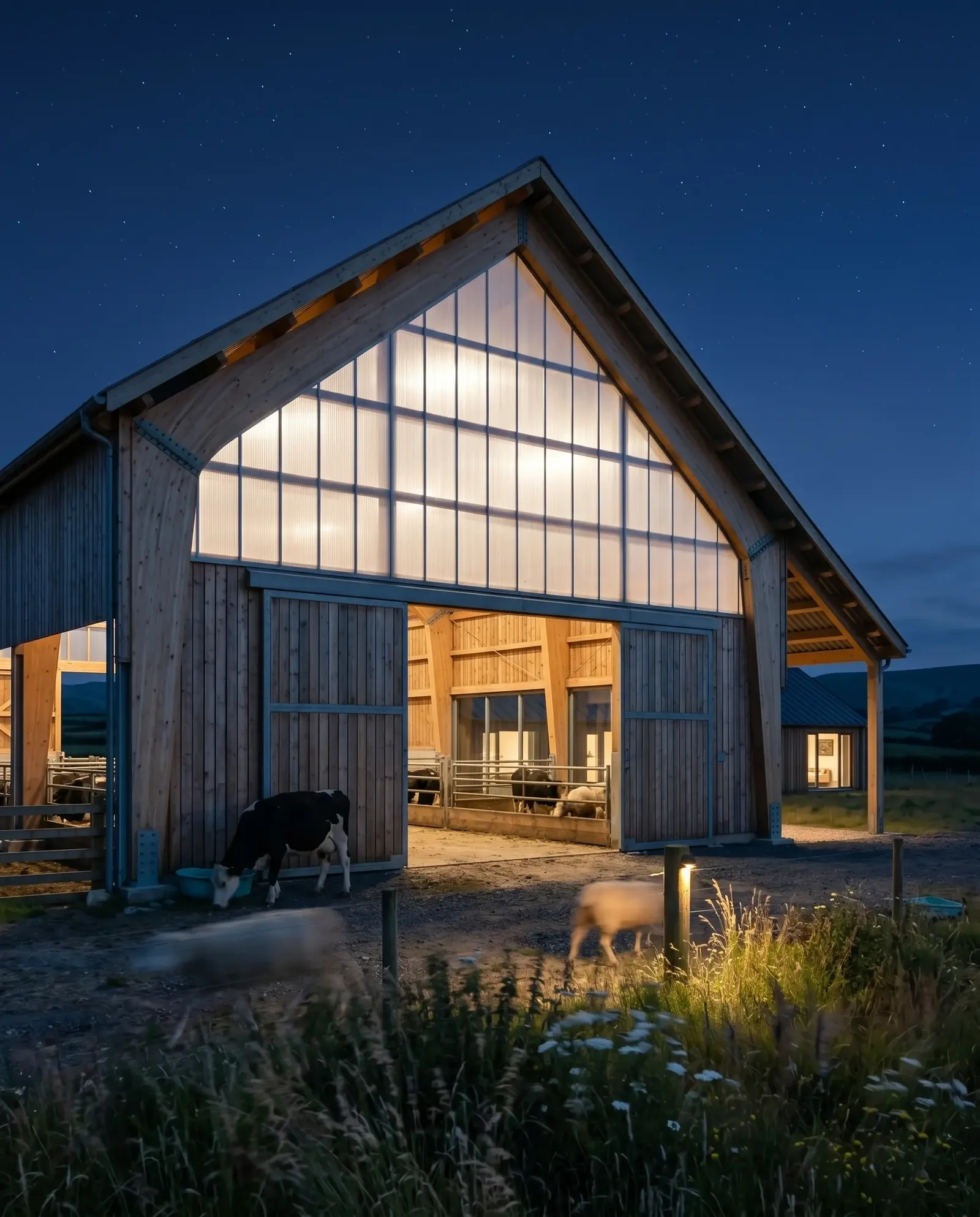 Concept 03
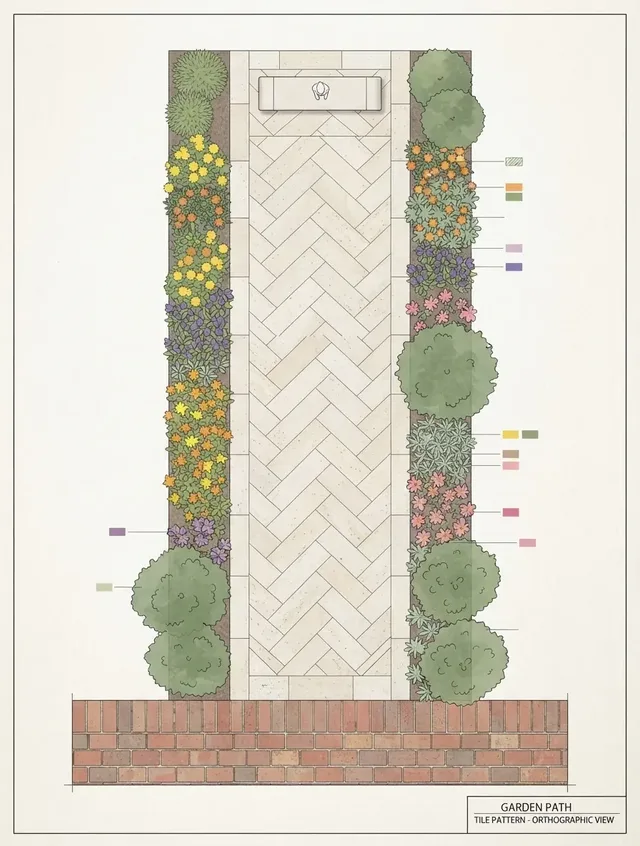 Concept 04
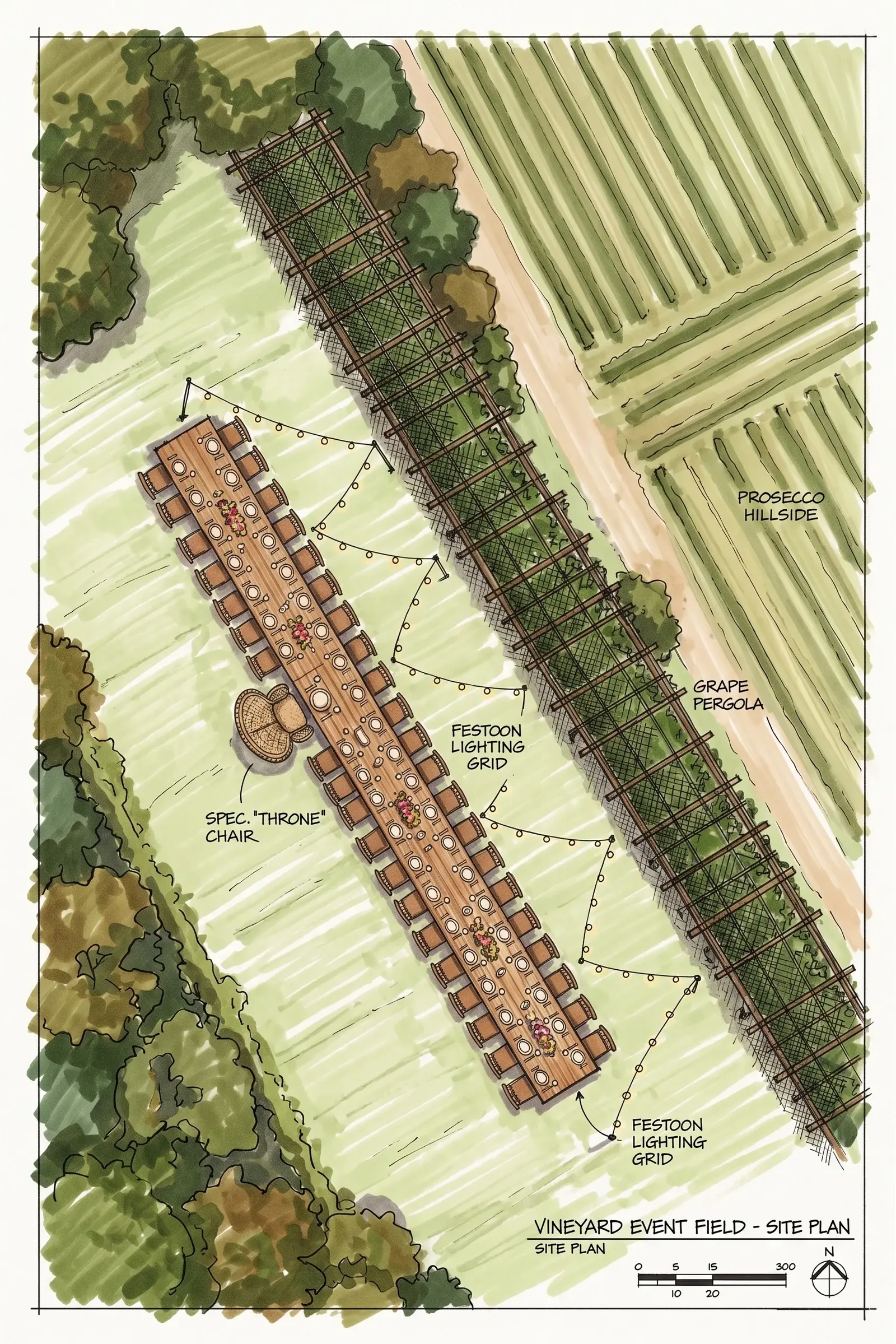 Concept 05
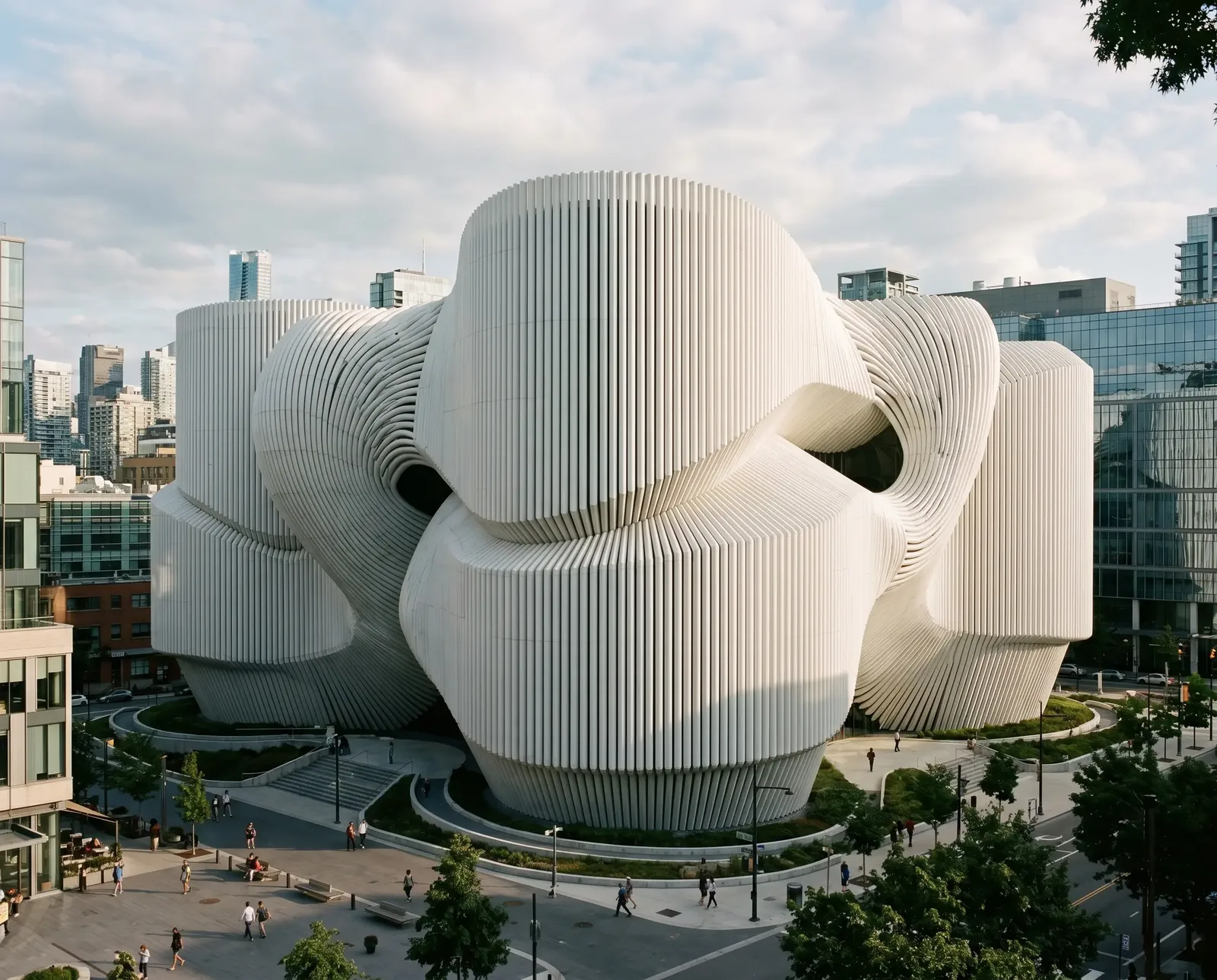 Concept 06
 Concept 07
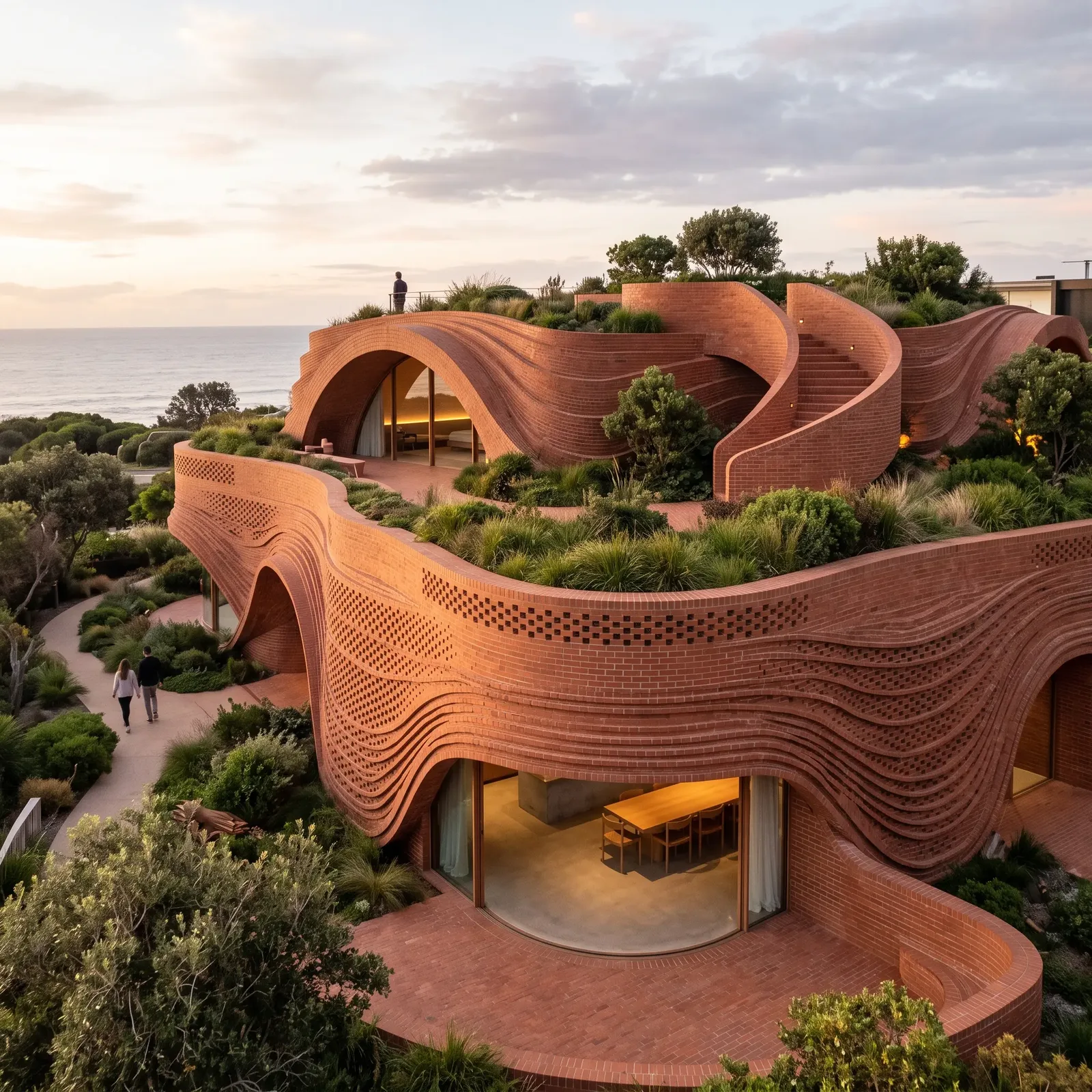 Concept 08
Start exploring in a visual workspace. No installation required.
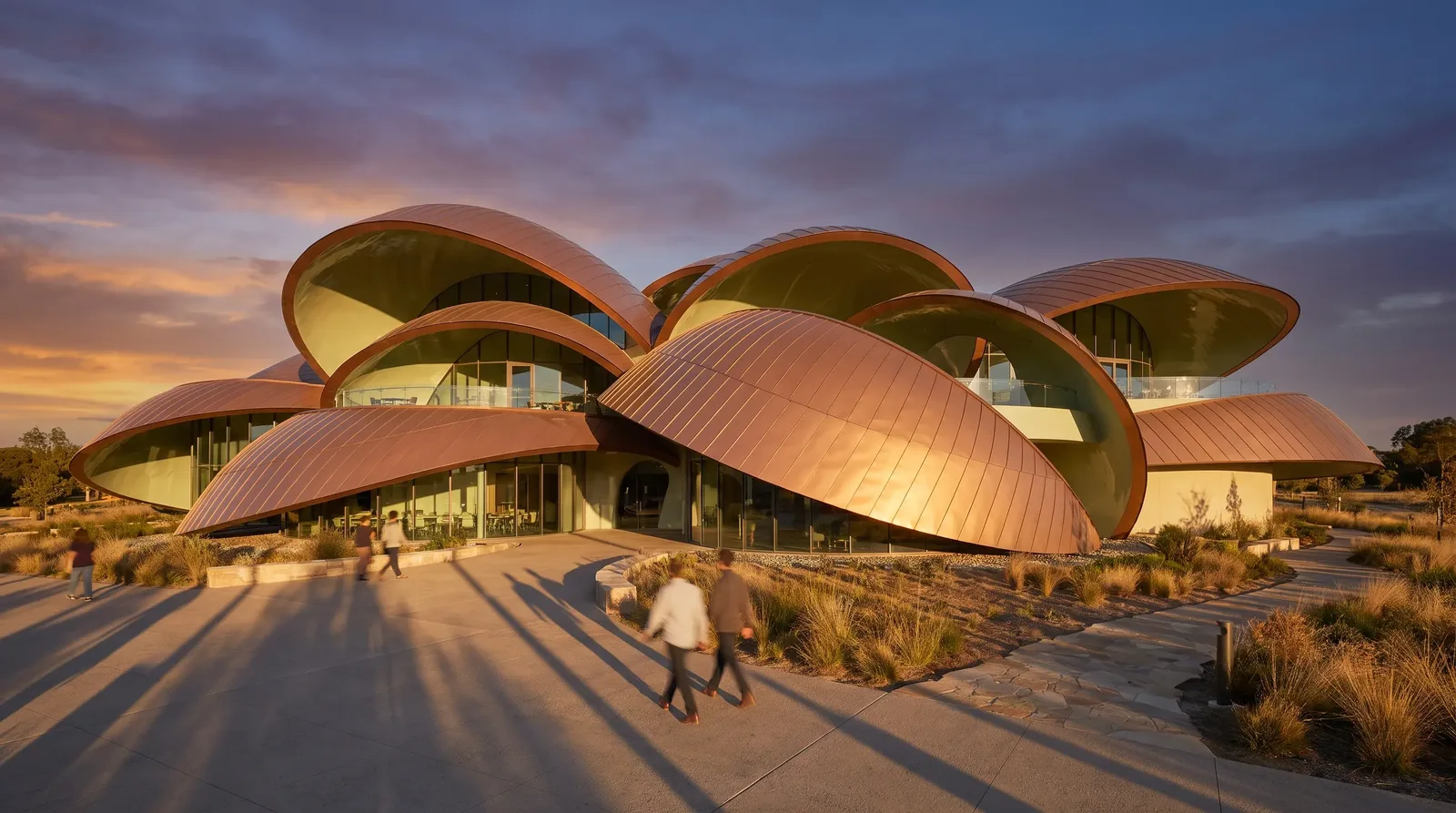
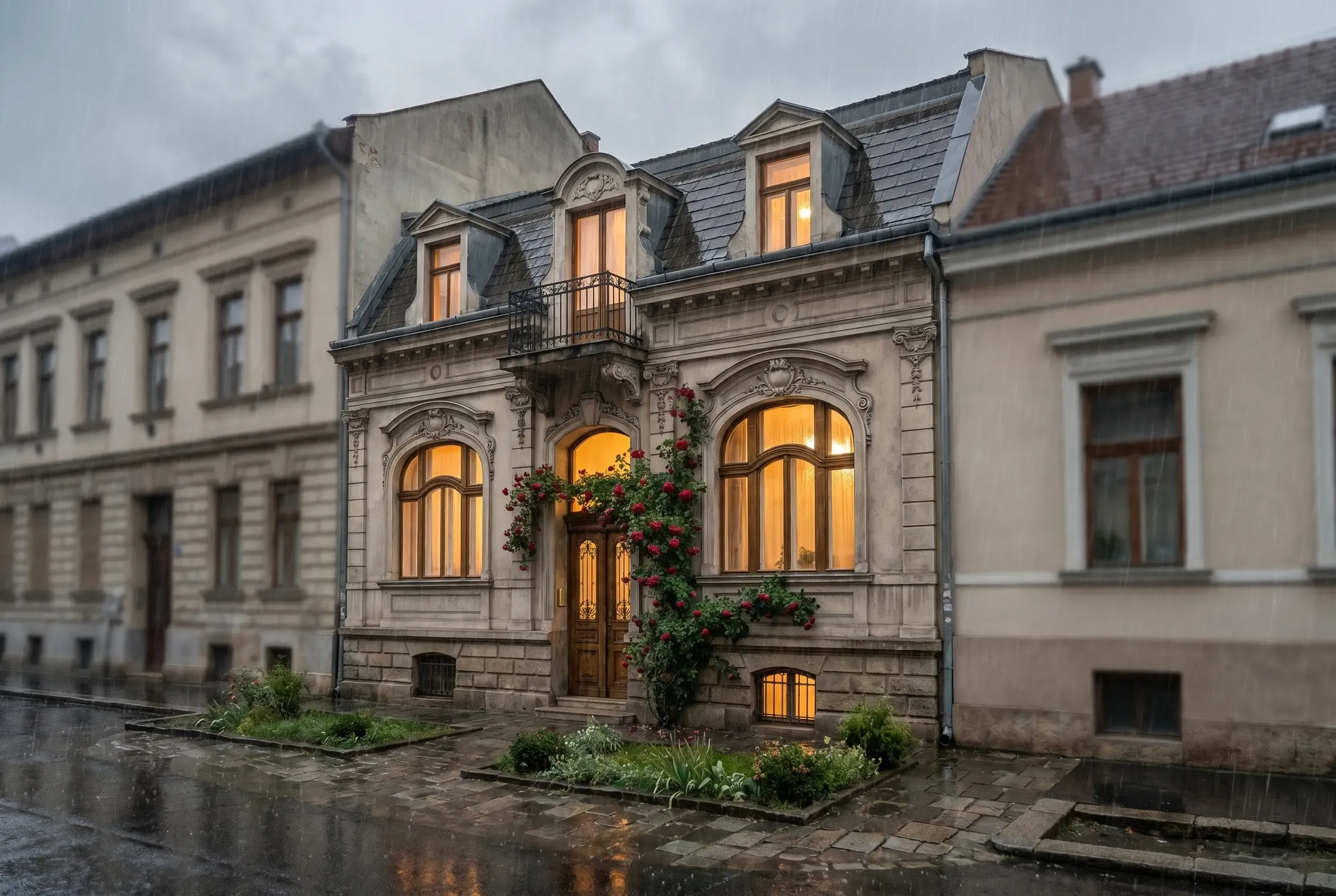 Sketch To Render
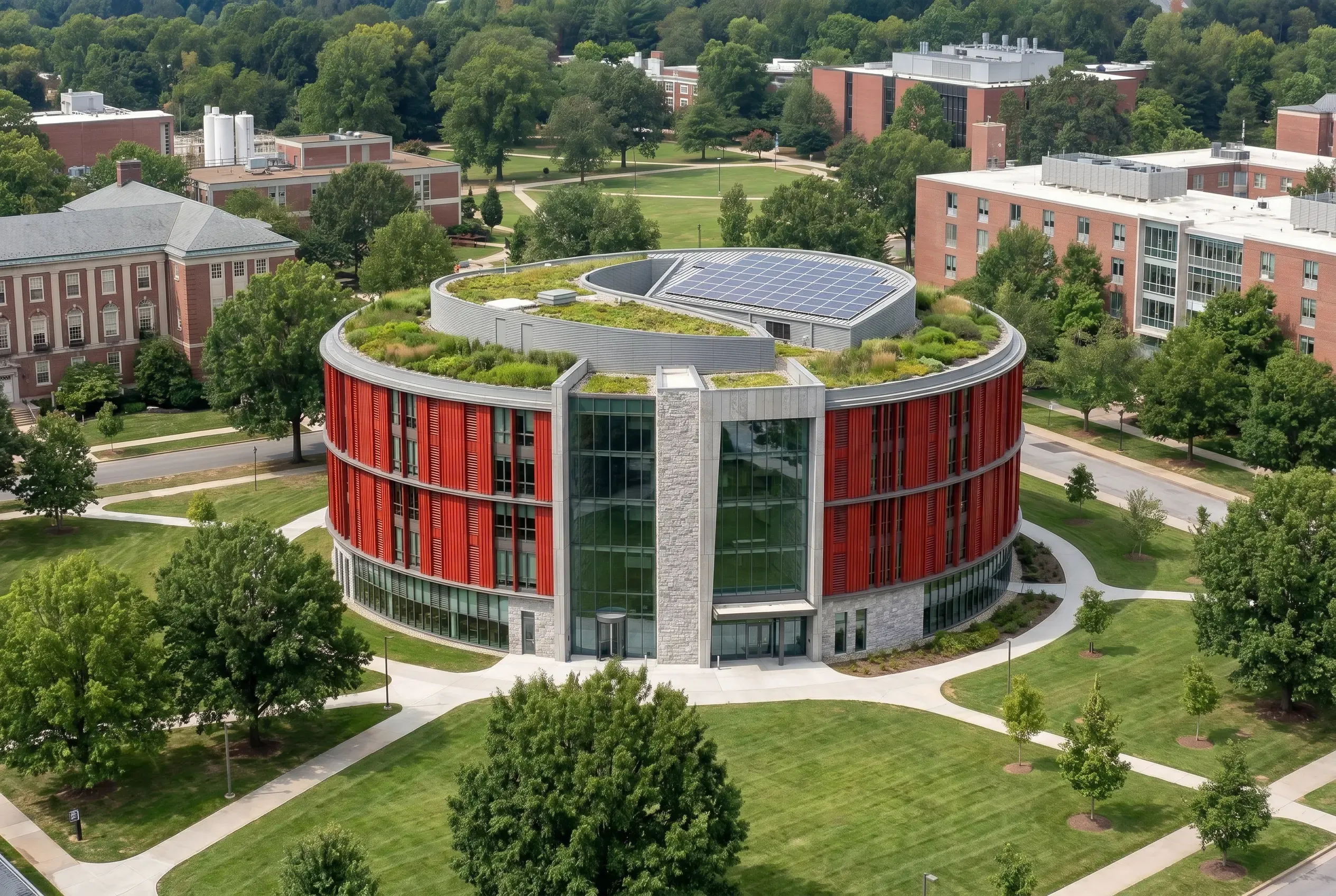 Elevation To Render
 3D Model To Render
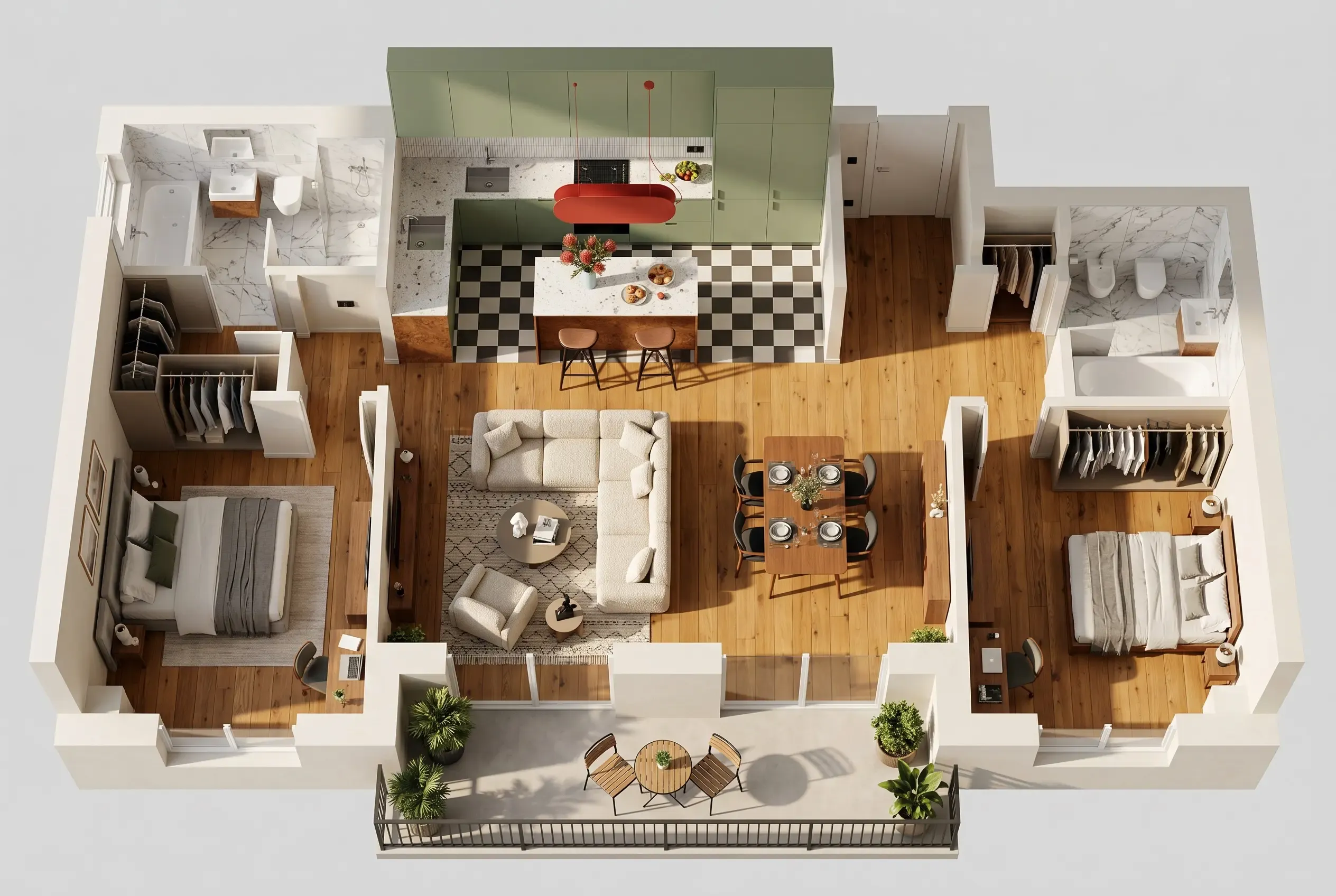 Floorplan To Render