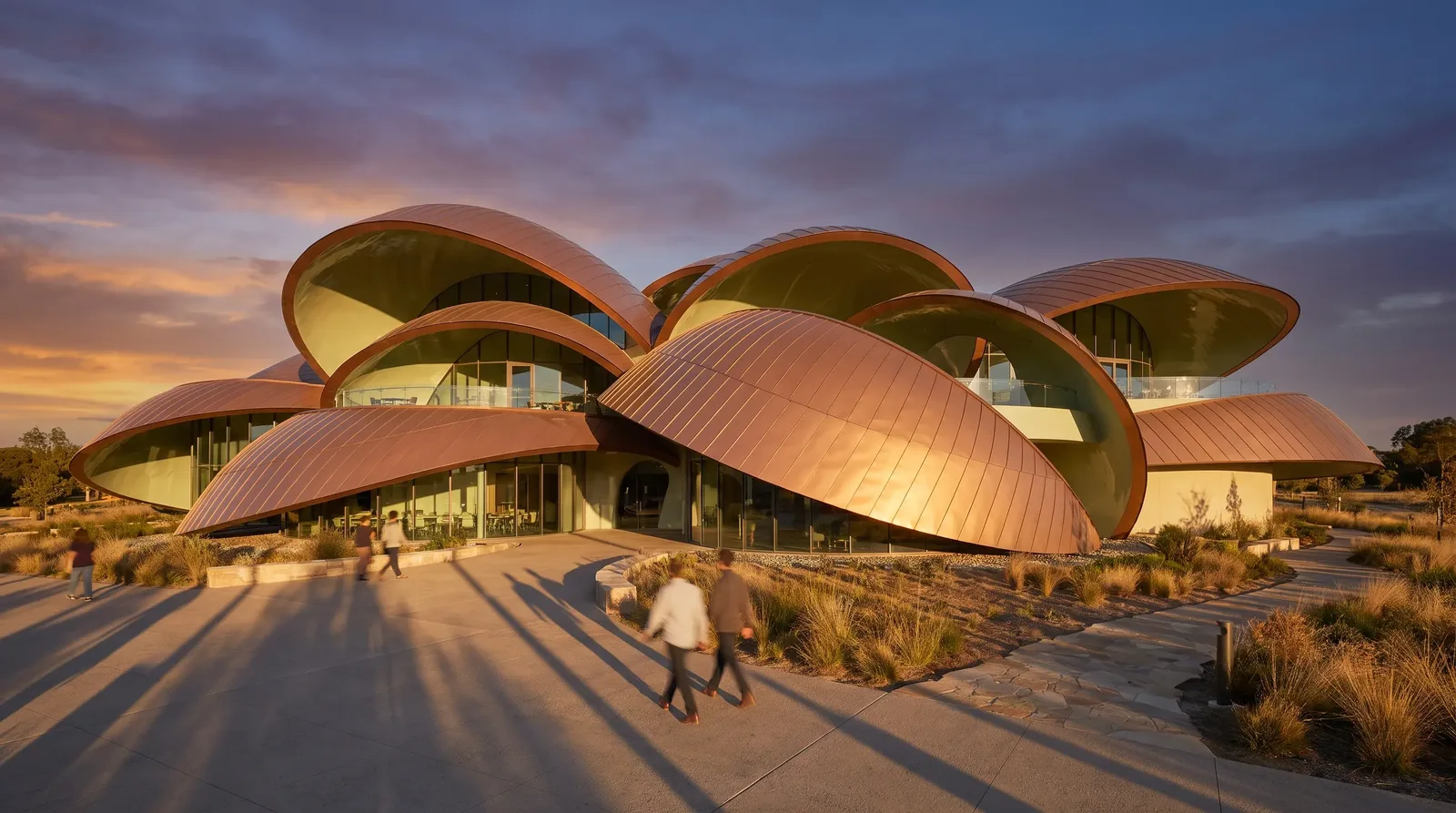
Creating Moodboards with One Render
A visual walkthrough of extracting colors, references and material ideas from one existing render.
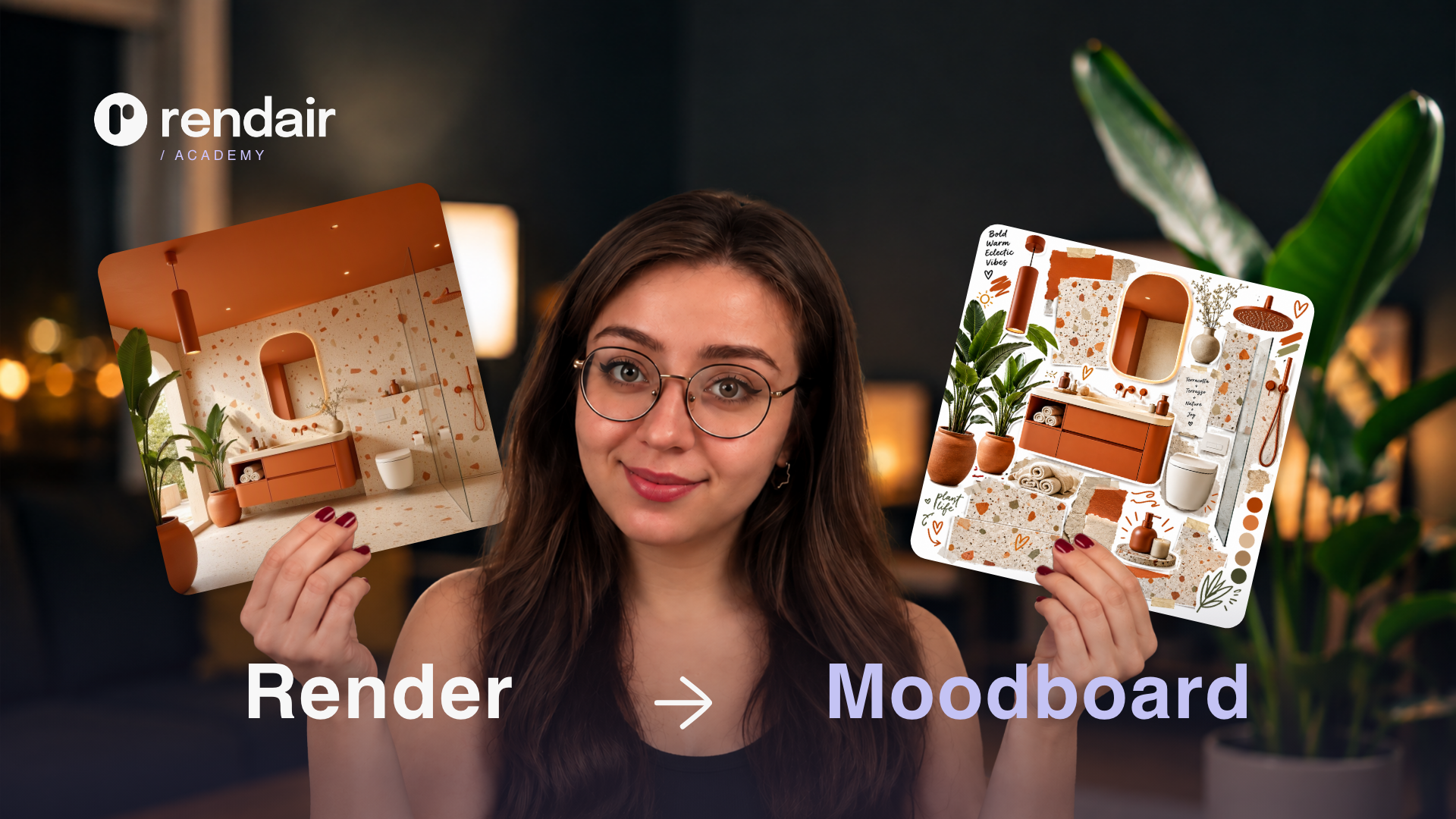 Video preview image
Visual design improves when references, variations and decisions remain connected. The following steps illustrate a repeatable approach to testing visual ideas.
Steps
Begin with a clear reference, whether a photograph, render, sketch or simple plan. Keep it available while exploring changes.
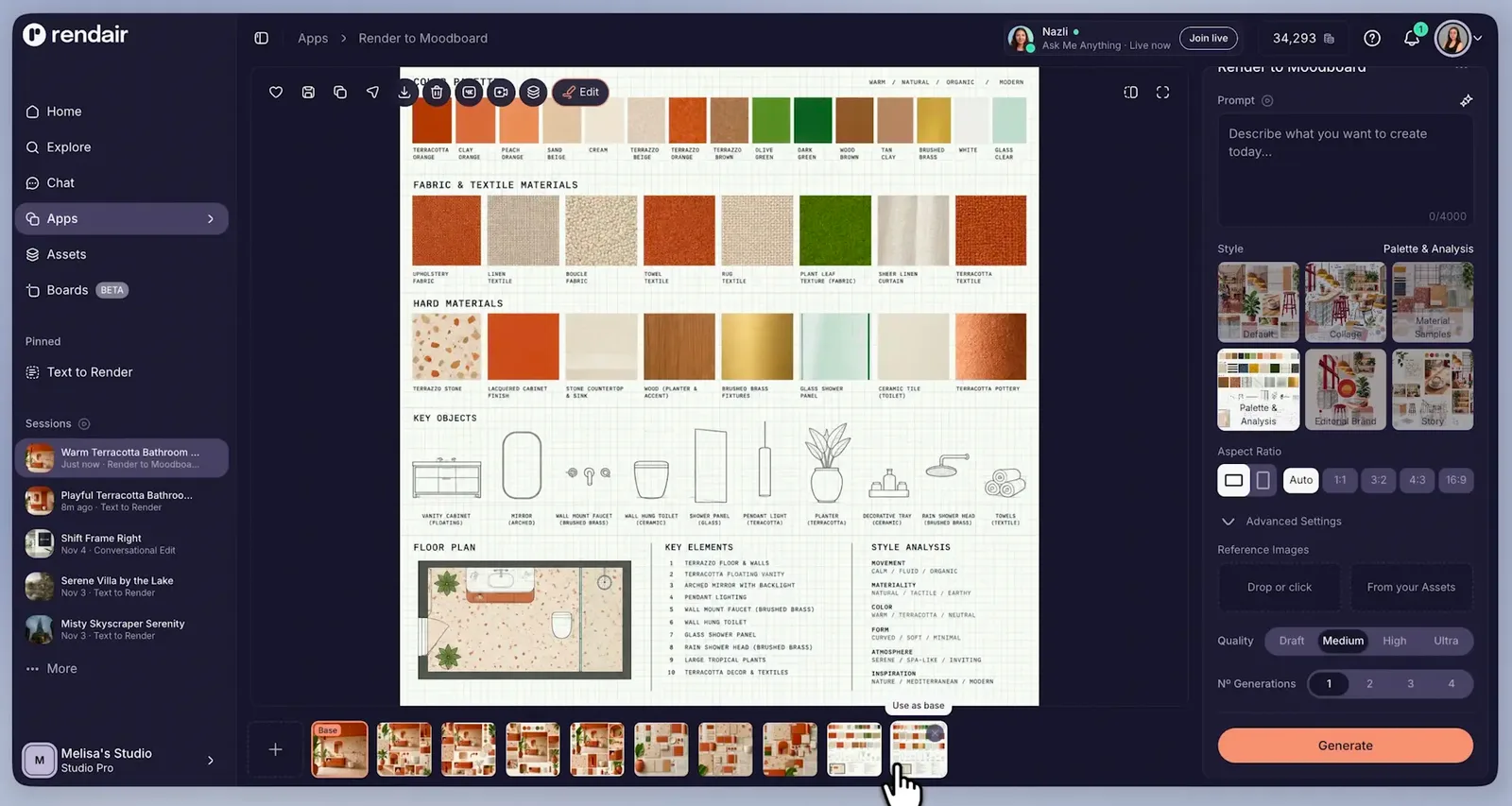
Practical tips
Try a specific direction first. Comparing one change at a time makes it easier to understand the effect on the design.
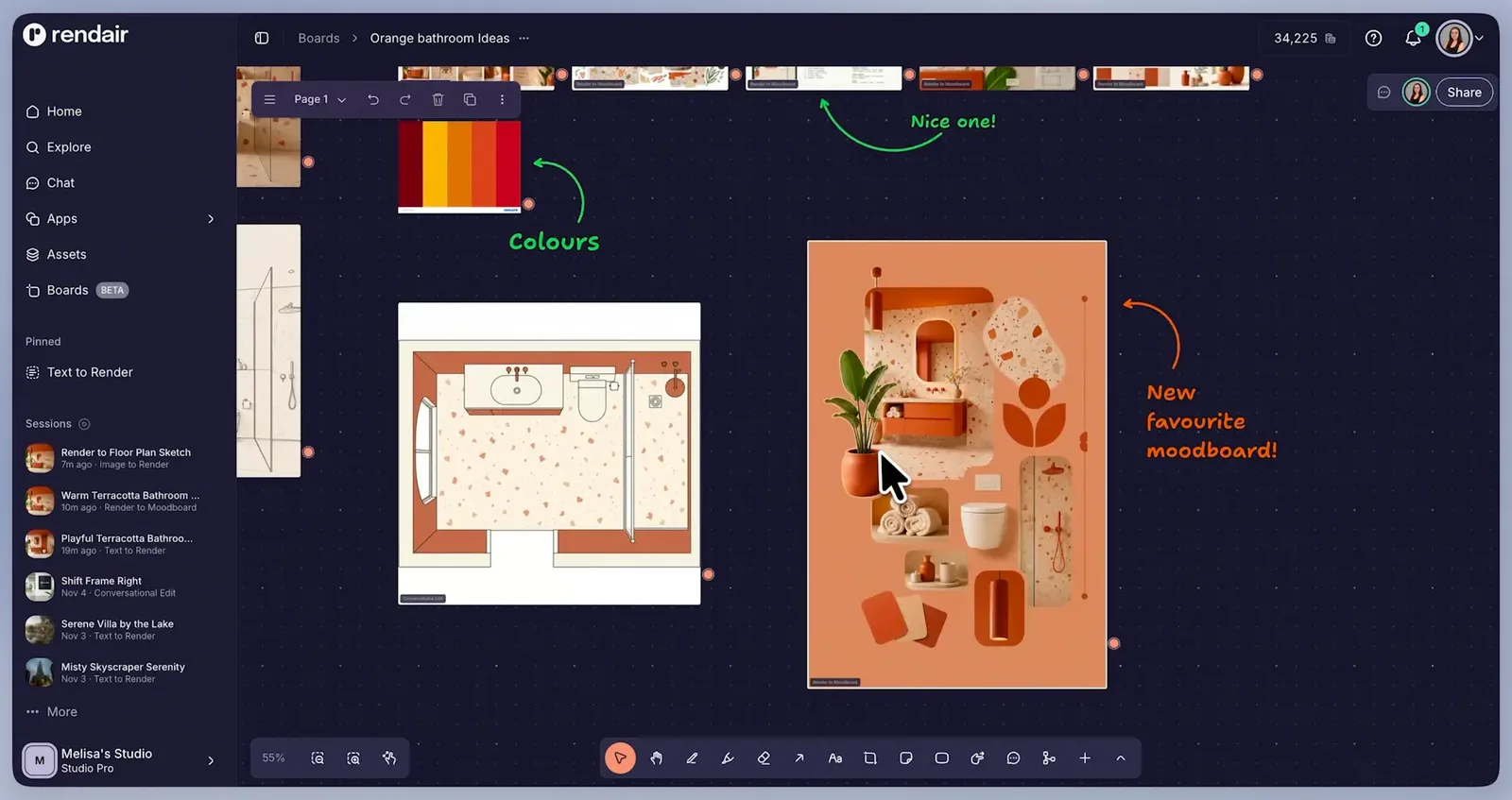
What to do next
Review details, materials, lighting and composition. Keep versions that communicate the best options.

Try it yourself
Open the creative workspace and start experimenting with your own project references.
Explore AppsKeep exploring
View all Create A Render By Using Only A Prompt With Text To Render
 Creating Same Design With Different Styles
 Turn Any Floor Plan Into A 3D Model
See your own project in RenderFan today.
Start exploring in a visual workspace. No installation required.